
AI prank video generator
AI Prank Video Generator: one photo, one confused friend
AI Prank is an AI prank video generator that turns a selfie or any photo into a short video that looks real enough to make your friends text back "wait, is this real?" Pick one of 60+ templates or type your own idea, and it's ready in about a minute.
 App Store · coming soon

Scan with your phone camera to get the app
Free to start with daily free credits · No editing skills needed · Android now, iPhone coming soon
60+ AI prank templates in 6 packs
Every template is a ready-made prank: upload one photo and the AI does the rest. Tap any card to see the full preview video. Browse all templates.
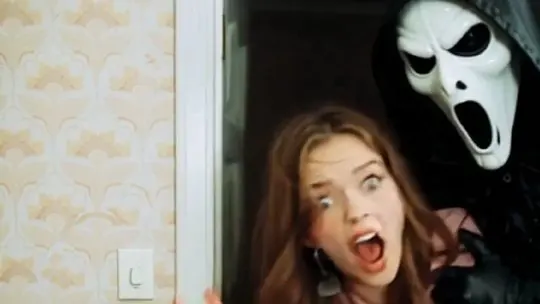
Ghostface AI Trend
A masked figure sneaks up behind you, horror-movie style.
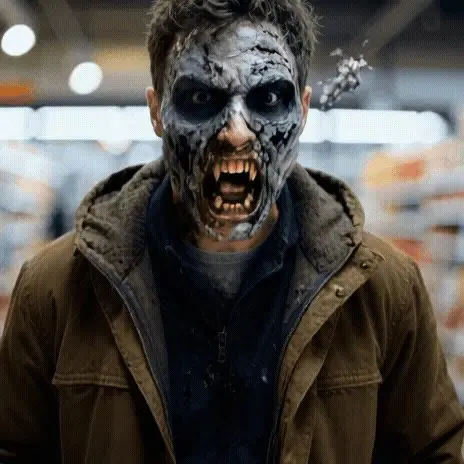
AI Zombie Video
Cuts spread across your face until you go full zombie.
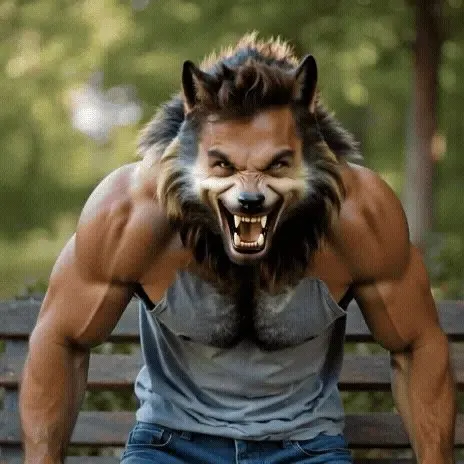
AI Werewolf Transformation
Calm on a park bench, then fur, fangs and a werewolf snarl.
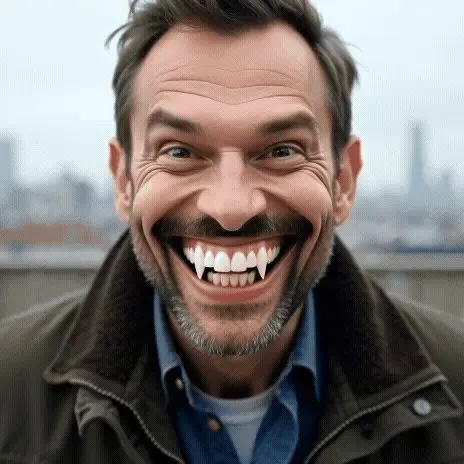
AI Devil Face: Creepy Grin
A normal smile stretches into a wide, fanged grin.
Busted! Caught on Camera
Fake arrests, CCTV clips, fights and rage quits, all from one photo.
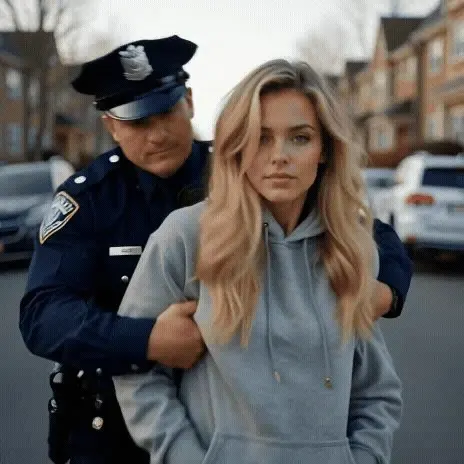
All 12 →Fake Arrest Prank Video
An AI cop walks up and leads your friend away. From one photo.
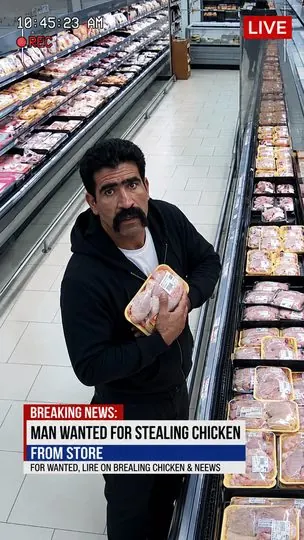
Fake CCTV Footage Prank
Grainy store CCTV catches your friend clutching a pack of raw chicken.
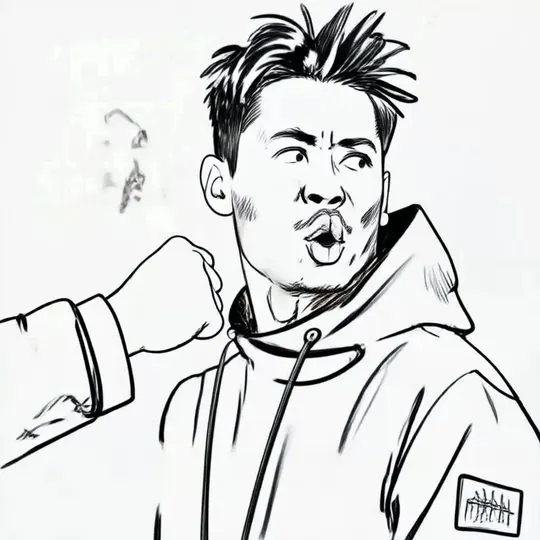
AI Fight Video: Punch Meme
A fist flies in from off-screen. Your friend's face says it all.
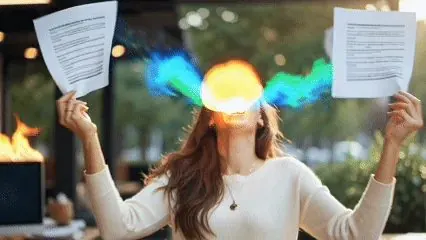
I Quit Prank Video
Your friend screams, the office catches fire, they walk out.
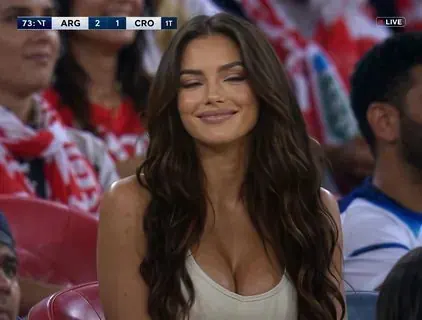
Caught on Stadium Camera
Become the fan the TV broadcast can't stop cutting to.
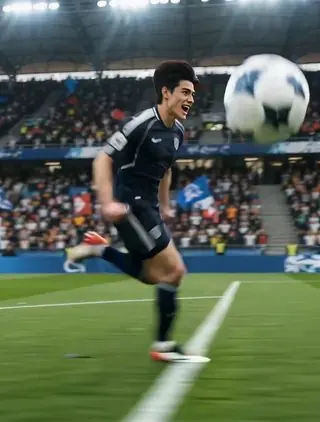
AI Football Goal Video
Sprint, dribble and knee-slide in front of a packed stadium.

AI Trophy Lift
From business suit to champion on your teammates' shoulders.
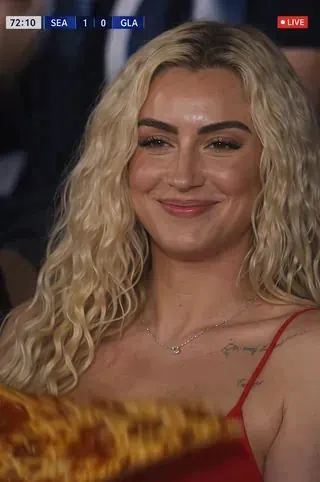
Caught Eating on Camera
A giant pizza slice, a live broadcast and zero shame.
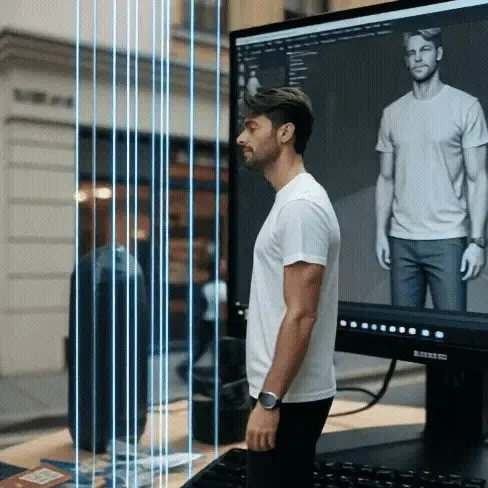
AI Figurine Trend
Scanned and 3D-modeled into a desk figurine, retail box included.
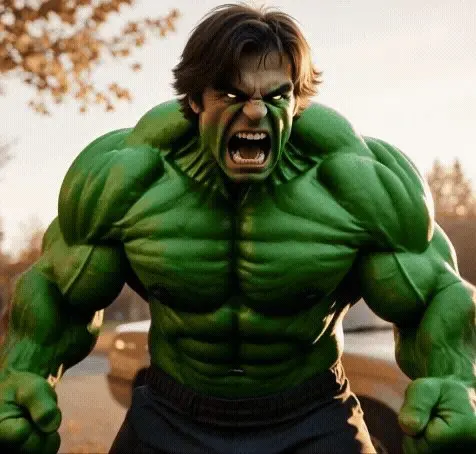
AI Hulk Transformation
Jacket rips, skin turns green, and your friend becomes a raging giant.
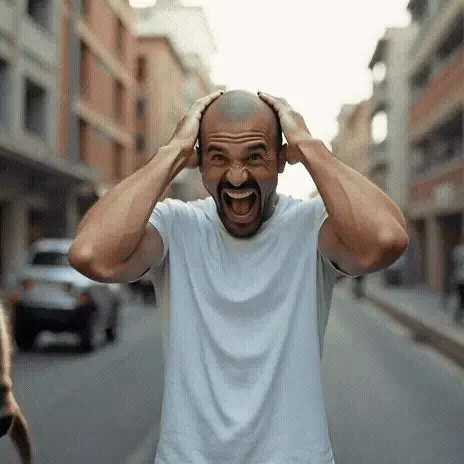
AI Bald Filter Video
A monkey swipes your friend's hair off. Their face says it all.
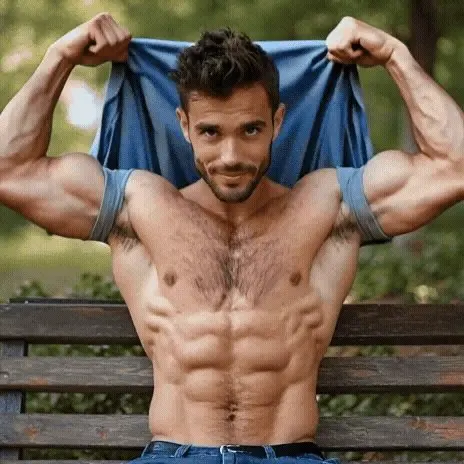
AI Muscle Video
Shirt comes off, six-pack and biceps show up. Instant gym results.
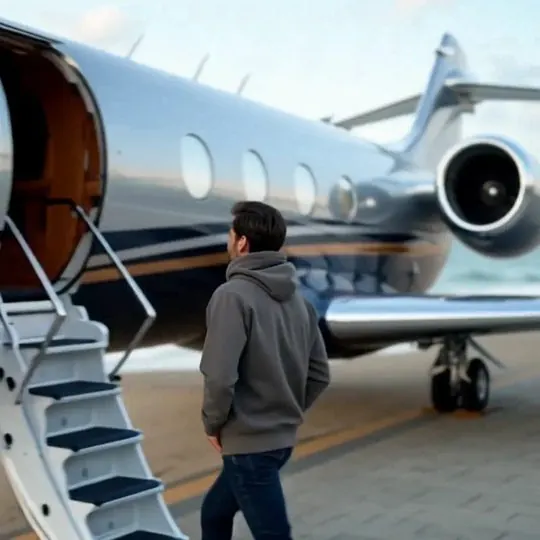
AI Private Jet Video
Walk up the airstair of your own private jet. From one photo.
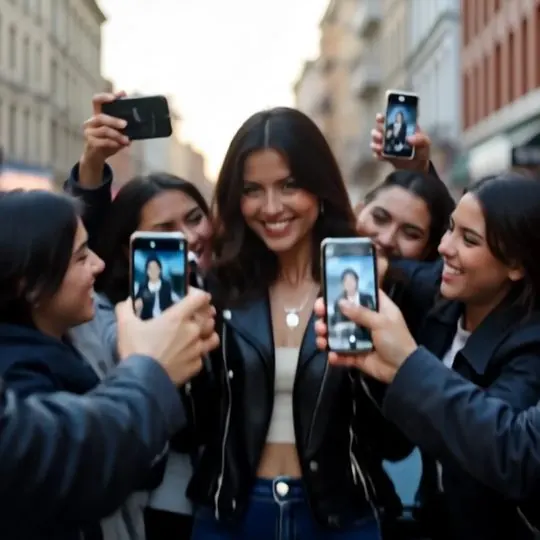
AI Celebrity Video
A crowd of fans mobs you for photos. Famous for 5 seconds.
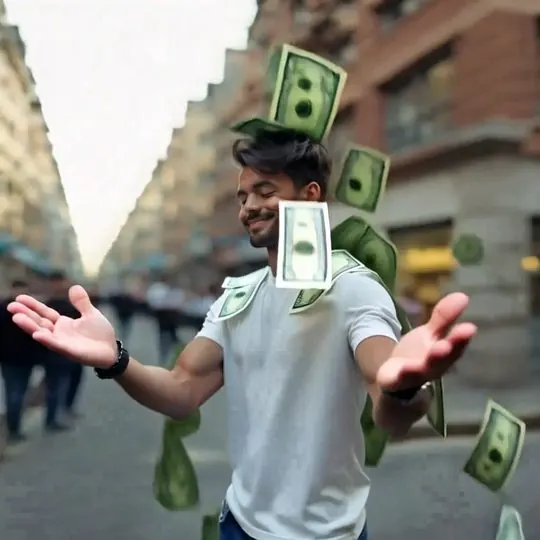
AI Money Rain Video
A tornado of cash swirls around you. Rich for 5 seconds.
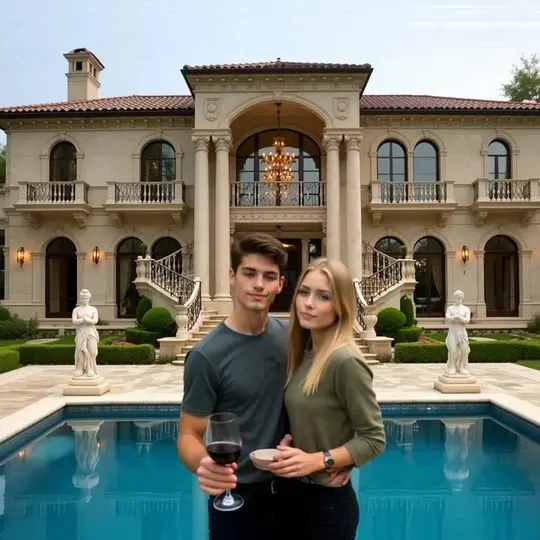
AI Mansion Tour Video
Your selfie moves into a mansion with a pool and statues.
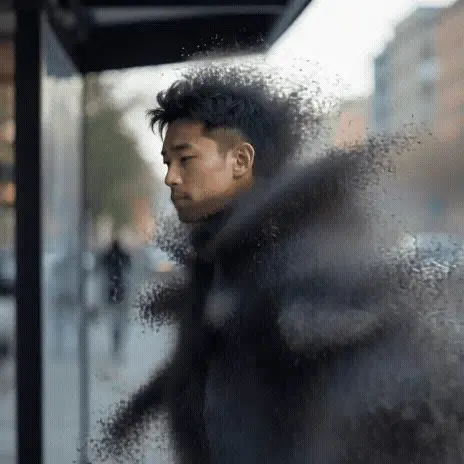
Thanos Snap AI Effect
Turn to dust and drift away on the wind. Group chat: deleted.
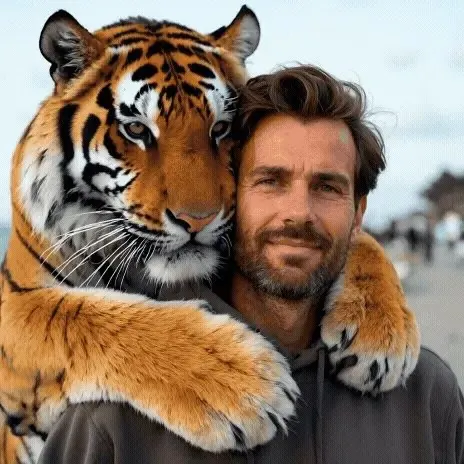
AI Tiger Video
A tiger appears behind you and drapes its paws over your shoulders.
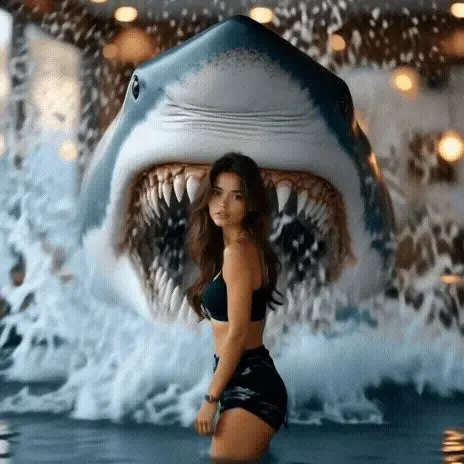
AI Shark Attack
A calm portrait, then giant jaws burst out of the water behind them.
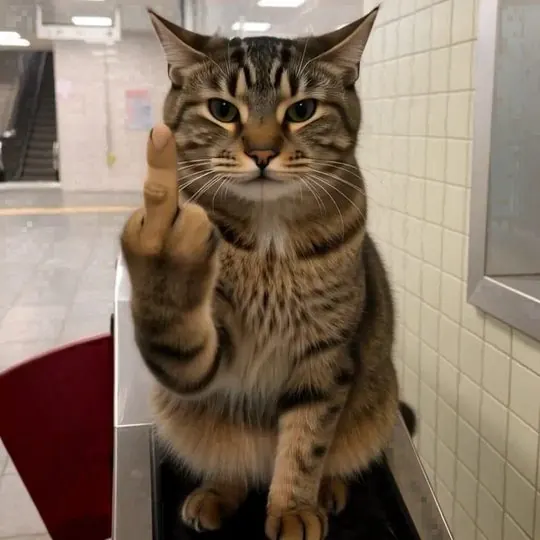
AI Middle Finger Cat
A polite cat raises one paw... and one very specific finger.
How to make an AI prank video
- 1
Pick a prank
Browse the packs and choose a template, from a zombie transformation to a stadium cam moment.
- 2
Add one photo
Use a selfie or any clear, well-lit photo from your camera roll. One face works best.
- 3
Let AI make it
The app generates your prank video in about a minute. No editing, no timeline, no skills.
- 4
Send it and act natural
Save it or share it to WhatsApp, TikTok, Instagram or your group chat. Reveal the AI when they panic.
Why people use AI Prank
60+ prank templates
Halloween scares, busted-on-camera clips, stadium moments, transformations, rich-life flexes and absurd effects. New ones land regularly.
Your own prank idea
The Custom tab lets you type any idea and pick an AI video model: Pixverse, Hailuo, Grok, Seedance, Kling, Duo or Morph.
Ready in about a minute
One photo in, one share-ready HD video out. Perfect for the group chat, Reels, TikTok and Shorts.
Free to start
Free credits when you join plus daily free credits. Premium plans add weekly credits and remove the watermark.
Private by default
Photos are only used to make your videos, never sold, never used to train AI models, and deleted with your account.
11 languages
English, Español, Português, Deutsch, Français, Türkçe, Русский, العربية, हिन्दी, Bahasa Indonesia and 中文.
What is an AI prank video generator?
An AI prank video generator turns a still photo into a short video of something that never happened: your friend getting arrested, rotting into a zombie or climbing into a private jet. You don't film or edit anything. You pick the prank, add one photo, and the AI animates the person in it.
"AI prank app" can mean a few different things, so here's the quick map:
- Template video apps like AI Prank: pick a ready-made prank, add a photo, get a video. No prompt writing.
- Prompt-based video tools: you describe the scene yourself and pick an AI model. AI Prank has this too, in the Custom tab.
- Photo prank apps: they edit a still picture, like adding something odd to a room. Quick to make, but nothing moves.
- Footage-based apps: you film a real room and the AI adds something into your clip.
- Prank call and soundboard apps: voices and phone calls, not videos.
Weighing your options? See how the apps compare in our best AI prank apps roundup.
Make a funny AI video from a photo, no editing
Not every clip has to be a prank. The same one-photo flow makes a funny AI video you'd happily post yourself. Unlike a slideshow maker, AI Prank doesn't just pan across your picture. The AI makes the person in your photo move and builds a whole new moment around them.
- Future Me: a silver-haired, older version of you walks into the frame and poses right beside you.
- Museum Portrait: you end up as a classic oil portrait hanging in a museum gallery.
- Drama Rain: arms wide, face tilted up to the sky, in a golden downpour. Made for tiny victories.
- Fail Cam: a fireball erupts outside the window behind you, and you don't even blink.
Find more in Funny Transformations and Absurd & Weird.
Frequently asked questions
What is AI Prank?
AI Prank is an AI prank video generator app. You upload one photo, pick a prank template (or type your own idea) and the app turns it into a short, funny AI video you can share with friends.
Is AI Prank free?
Yes, it is free to download and you get free credits to start plus daily free credits. Optional premium plans add weekly credits and remove the watermark from your videos.
How do I make an AI prank video from a photo?
Open the app, choose a template, add a clear photo of a face and tap generate. The video is usually ready in about a minute. See the step-by-step guide.
Is AI Prank available on iPhone?
AI Prank is available now on Android through Google Play. The iPhone version is in App Store review and coming soon.
Can I make my own custom prank?
Yes. In the Custom tab you upload a photo, describe the scene in your own words and choose an AI video model such as Kling, Seedance, Hailuo, Pixverse or Grok.
Is AI Prank a prank call app?
No. AI Prank makes AI videos from photos. It does not make phone calls or clone voices.
What happens to my photos?
Your photos are used only to create the videos you ask for. They are never sold, never used to train AI models, and everything is deleted when you delete your account.
Are the videos real?
No. Every video is AI-generated. Prank friends who will laugh, use photos you have the right to use, and always reveal the joke.
Is there an AI prank app for Android?
Yes. AI Prank is on Google Play for Android phones. It's free to download, and you can try it as a guest without creating an account. The iPhone version is coming soon.
Do I need to write my own AI prompt?
No. Every template is a ready-made prank, so you just add a photo and let the AI make the video. If you'd rather describe your own scene, the Custom tab lets you type an idea and pick an AI video model.
Ready to confuse someone?
Download AI Prank for free, pick a template and send your first prank video in about a minute.
App Store · coming soonScan with your phone camera to get the app