
Preview of the Ghostface template in the AI Prank app
Ghostface AI Trend: Turn Your Photo into a Horror Scene
The Ghostface AI trend puts a masked horror icon right behind you, and AI Prank makes it move. Upload one photo and a figure in a black robe and white screaming mask steps into your scene. It's the easiest scary prank video for your Halloween group chat.
 App Store · coming soon
Template name in the app: Ghostface · One photo · Ready in about a minute
What the Ghostface AI Trend video looks like
The clip opens on a calm, everyday moment. In the preview, a woman in headphones lounges on a couch in a room packed with boxed action figures and posters. Then a figure in a black hooded robe and a white screaming mask appears behind her and grabs her with black gloves, her mouth wide open in a scream. A second take moves to a bright hallway: a gloved hand reaches out from beside a doorway, and the masked figure looms over a second woman's shoulder as she throws a hand up in shock. You get a 5-second vertical clip.
How to make it
- Open AI Prank and tap the Ghostface template.
- Add a clear photo of yourself, or of a friend who's in on the joke. A relaxed, everyday shot makes the twist land harder.
- Let the AI generate your Ghostface video. It usually takes about a minute.
- Save it or share it straight to WhatsApp, TikTok or Instagram Reels.
Prank ideas
- Send it to your horror-movie buddy with "Found this on my camera roll… who is standing behind me?" and drop the AI reveal once they reply.
- Make one of a friend who's in on the joke and play it at your Halloween movie night right before the film starts.
- Start a Ghostface chain in the group chat: everyone makes their own version and the most dramatic scream wins.
Ghostface AI trend: prompt photo vs. video template
The Ghostface AI trend started as still photos. People pasted a long prompt into an AI image tool like Google Gemini and got a grainy, 90s-style portrait with the masked killer lurking in a doorway. Making it move meant running that photo through a second image-to-video tool.
The Ghostface template in AI Prank skips both steps. The scene is built in, so one photo gets you a short video where the masked figure actually grabs you. Want the 90s bedroom version instead? Open the Custom tab, upload your photo and type something like: "Grainy 90s film look. The person lies on a bed holding a corded phone. A masked figure in a black hooded robe stands in the dark doorway behind them, then slowly steps closer." Pick Hailuo for smooth, cinematic motion. AI results vary, so tweak the wording until it looks right.
Planning a scary movie night? Grab more ideas from our Halloween prank ideas.
AI Prank is an independent app and is not affiliated with or endorsed by Google. Gemini is a trademark of its respective owner.
AI Prank is an independent app and is not affiliated with or endorsed by the owners of the Ghostface character. Ghostface is a trademark of its respective owner.
Frequently asked questions
Is there a Ghostface AI trend app?
Yes. AI Prank has a Ghostface template that turns one photo into a short horror video, with no prompt writing needed. It's on Google Play now, and the iPhone version is coming soon.
Can I do the Ghostface AI trend for free?
AI Prank is free to download and gives you free credits to start plus daily free credits. Free videos carry a small AI Prank watermark.
Do I need a prompt for the Ghostface AI trend?
No. The Ghostface template already has the scene built in, so you just add a photo. If you want your own twist, the Custom tab lets you type your own idea.
What is the Ghostface AI trend?
It's a viral Halloween trend where you put yourself in a 90s-style horror-movie scene with the masked Ghostface killer lurking behind you. It started as AI photos made from long text prompts in tools like Gemini. AI Prank's Ghostface template turns it into a short video from a single photo.
Can I post my Ghostface AI trend video on TikTok?
Yes. Save it to your phone or share it straight to TikTok, Instagram Reels, YouTube Shorts or WhatsApp. Free videos carry a small AI Prank watermark, and the optional premium plans remove it.
Is it safe to upload my photo for the Ghostface AI trend?
In AI Prank, your photo is used only to create the videos you request. It's never sold and never used to train AI models, and everything is deleted when you delete your account in the app.
Guides
More Halloween & Scary pranks
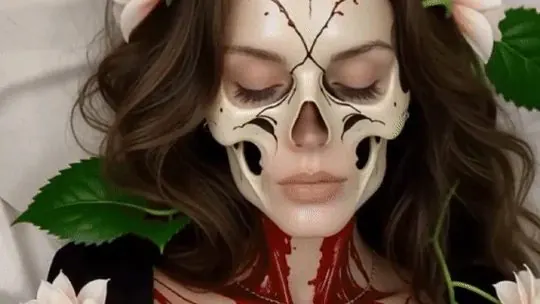
AI Skull & Skeleton Video
Your photo morphs into skeleton looks, from bare ribs to chrome skull.
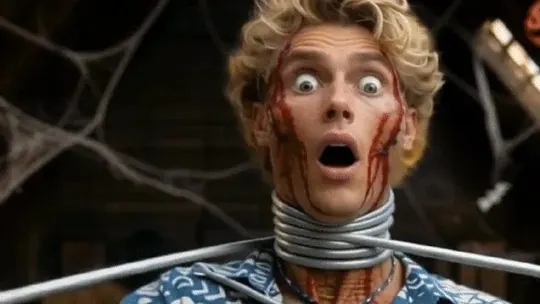
Voodoo Doll AI Video
Button eyes, stitched grin: your selfie becomes a creepy doll.
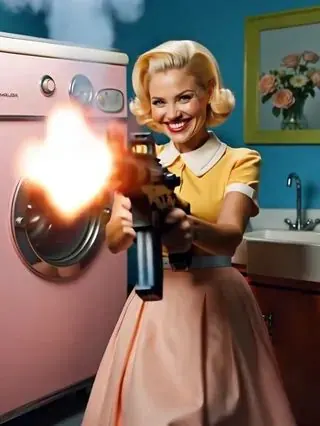
Evil Trigger AI Effect
A sweet portrait flips into villain mode with a creepy grin.
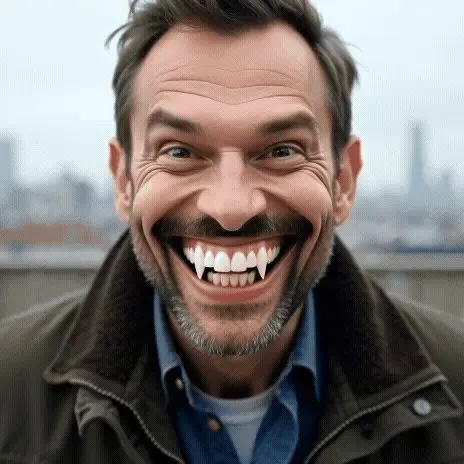
AI Devil Face: Creepy Grin
A normal smile stretches into a wide, fanged grin.
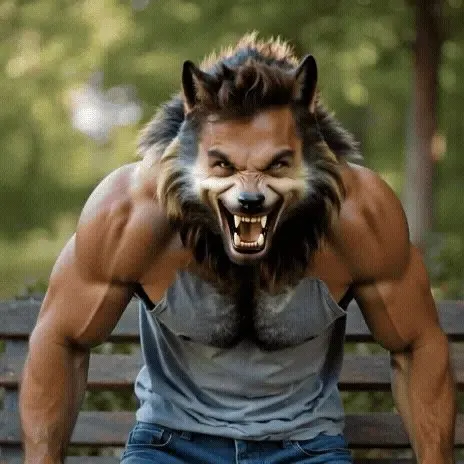
AI Werewolf Transformation
Calm on a park bench, then fur, fangs and a werewolf snarl.
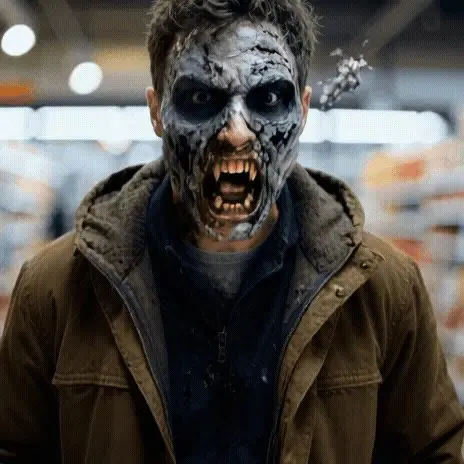
AI Zombie Video
Cuts spread across your face until you go full zombie.
Popular in other packs
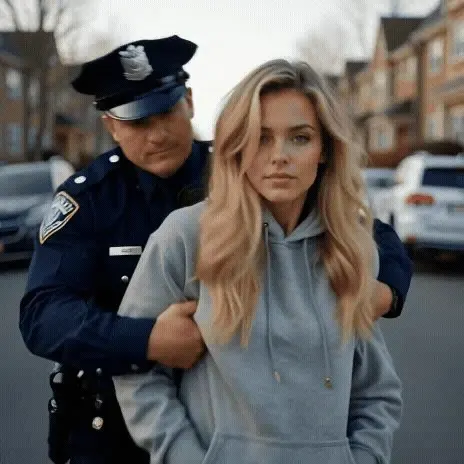
Fake Arrest Prank Video
An AI cop walks up and leads your friend away. From one photo.
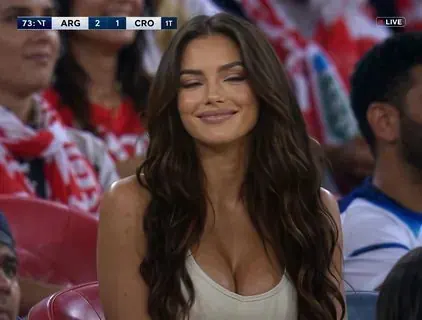
Caught on Stadium Camera
Become the fan the TV broadcast can't stop cutting to.
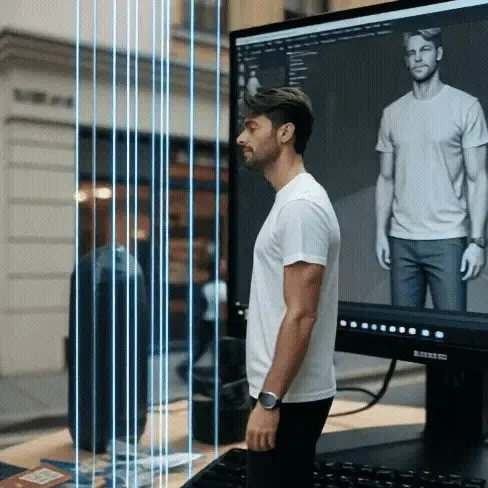
AI Figurine Trend
Scanned and 3D-modeled into a desk figurine, retail box included.
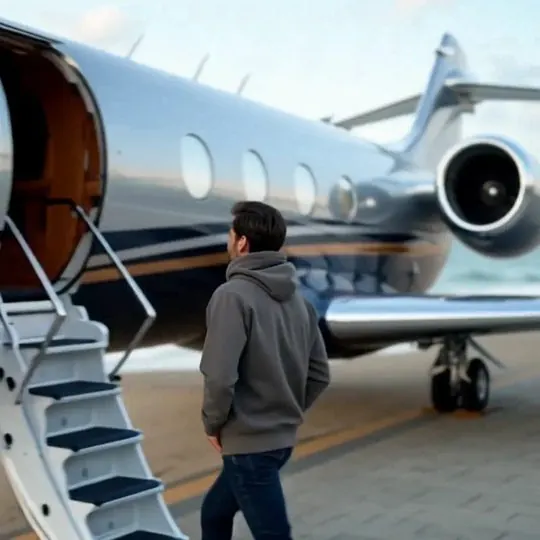
AI Private Jet Video
Walk up the airstair of your own private jet. From one photo.