
Preview of the Tiger Touch template in the AI Prank app
AI Tiger Video: A Tiger Sneaks Up Behind You
This AI tiger video starts with one ordinary photo and ends with a huge tiger draped over your friend's shoulders. Pick the Tiger Touch template, add a picture, and the AI brings in the big cat right behind them. Your friend stays calm; everyone watching does not.
 App Store · coming soon
Template name in the app: Tiger Touch · One photo · Ready in about a minute
What the AI Tiger Video video looks like
The preview starts with a man in a gray hoodie standing on a beach promenade, the sea and a row of benches behind him. Then a big tiger rises up behind him. It drapes one striped front leg over each of his shoulders and pulls in close. By the end the tiger's head is right next to his, both of them facing the camera, and the man is still calmly smiling. A 5-second vertical clip: one ordinary photo, one very large cat.
How to make it
- Open AI Prank and choose Tiger Touch in the Absurd & Weird pack.
- Add a photo of your friend standing and facing the camera.
- Let the AI bring in the tiger, usually in about a minute.
- Share it to the chat and wait for the replies.
Prank ideas
- Back from a trip? Send it to the friends' chat with "Made a new friend at the safari park." Reveal it's AI before anyone books a flight.
- Make one of your cat-obsessed friend: "You said you wanted a bigger cat."
- Post your own and introduce the tiger as your new gym buddy. Spoiler: it's AI.
Tips for the best AI tiger video
- Stand, don't crop tight. The preview starts with a half-body shot, which leaves room for a striped paw on each shoulder.
- Leave space above the head. The tiger's head ends up right beside and a little above the person's, so don't cut the photo off at the hairline.
- One person, facing the camera. The tiger picks one set of shoulders. A solo shot keeps it clear who just made a very large friend.
- Your background stays. The tiger joins the scene in your photo. In the preview, the beach promenade stays behind them the whole time.
Frequently asked questions
How do I make an AI tiger video from a photo?
Open AI Prank, pick the Tiger Touch template, add one photo and let the AI generate the clip. It usually takes about a minute.
Is the AI tiger video generator free?
AI Prank is free to download, with free credits to start and daily free credits. Free videos carry a small watermark; premium removes it.
Is the tiger in the video real?
No. The tiger is AI-generated, like everything else in the clip. No real animals are involved.
Is this the viral AI tiger trend with a tiger behind you?
Yes, that's the idea. In the Tiger Touch template, a big tiger rises up behind the person, drapes a striped paw over each shoulder and leans its head in right next to theirs while they smile at the camera.
Do I need to write a prompt for the AI tiger video?
No. Tiger Touch is a ready-made template: add one photo and the AI brings in the tiger. If you want to describe your own animal scene, the Custom tab lets you type a prompt and pick an AI video model.
Can I make an AI tiger video on Android?
Yes. AI Prank is live on Google Play for Android, and the iPhone version is coming soon.
Guides
More Absurd & Weird pranks

AI Microwave Trend
Spin in place like leftovers on a microwave plate. Fully cooked.
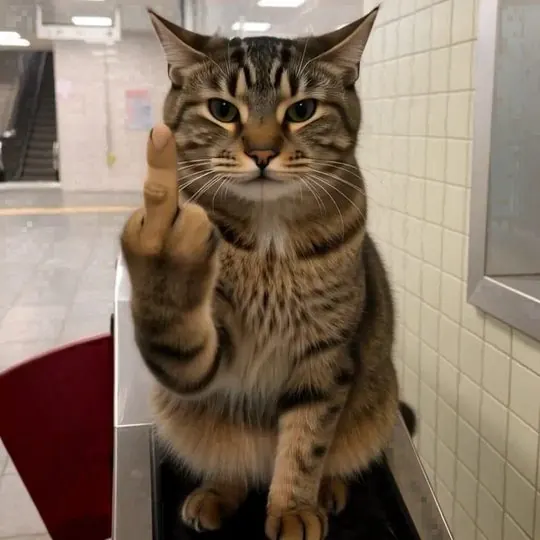
AI Middle Finger Cat
A polite cat raises one paw... and one very specific finger.

Shawshank Rain Meme
Arms wide, face to the sky, pouring rain. Freedom (from homework).
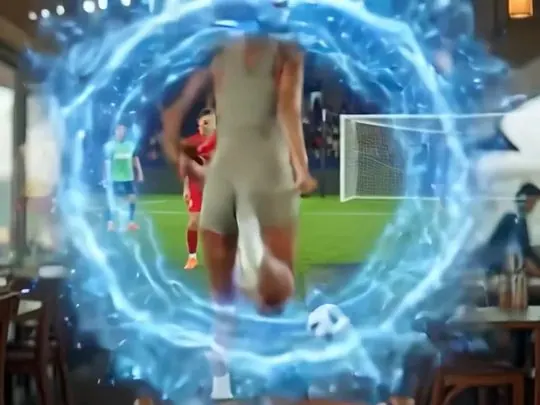
Jump Into the TV & Score
Dive through the screen, land on the pitch, score the winning goal.
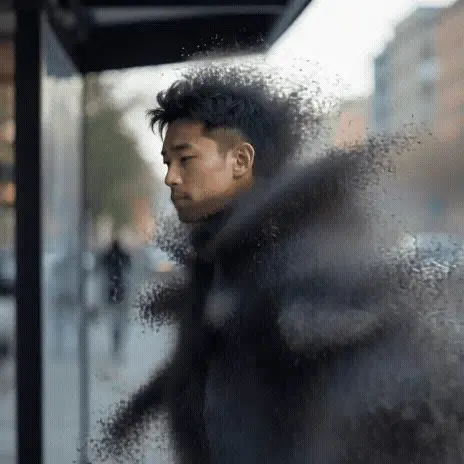
Thanos Snap AI Effect
Turn to dust and drift away on the wind. Group chat: deleted.
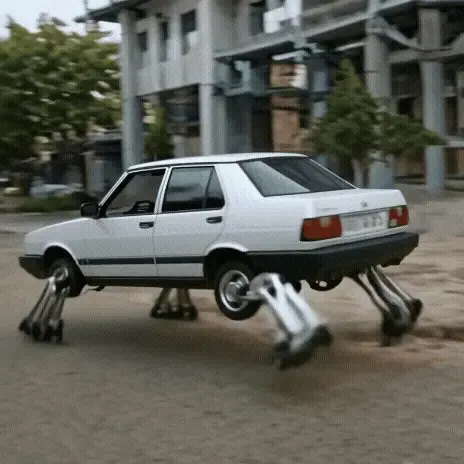
AI Car With Legs
A parked car sprouts robot legs and runs off down the street.
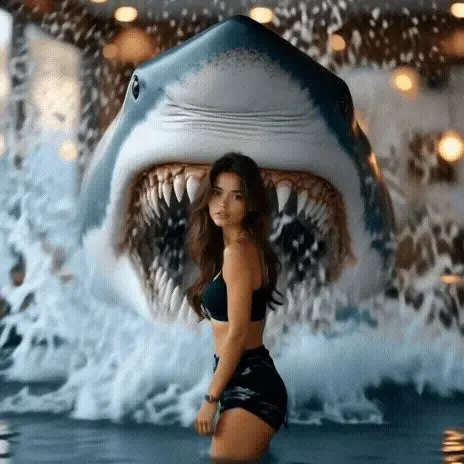
AI Shark Attack
A calm portrait, then giant jaws burst out of the water behind them.
Popular in other packs

AI Zombie Video
Cuts spread across your face until you go full zombie.
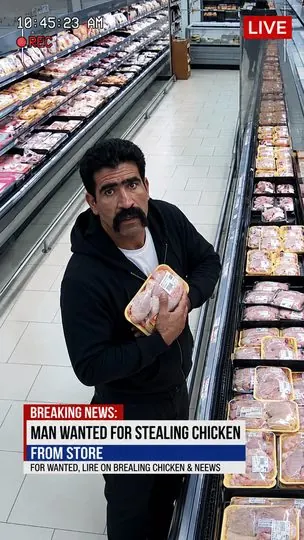
Fake CCTV Footage Prank
Grainy store CCTV catches your friend clutching a pack of raw chicken.
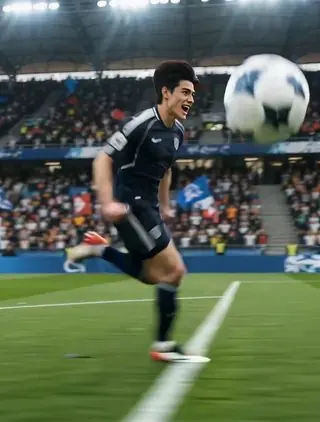
AI Football Goal Video
Sprint, dribble and knee-slide in front of a packed stadium.

AI Hulk Transformation
Jacket rips, skin turns green, and your friend becomes a raging giant.