
AI Transformation Videos: Funny Glow-Ups from One Photo
Make funny AI transformation videos from a single photo: go bald, grow long hair, get shredded, meet your older self or become a boxed collectible. Pick a template, add a selfie or a friend's photo, and AI Prank turns it into a short video in about a minute. Every transformation here is built to be dropped in the group chat.
 App Store · coming soon
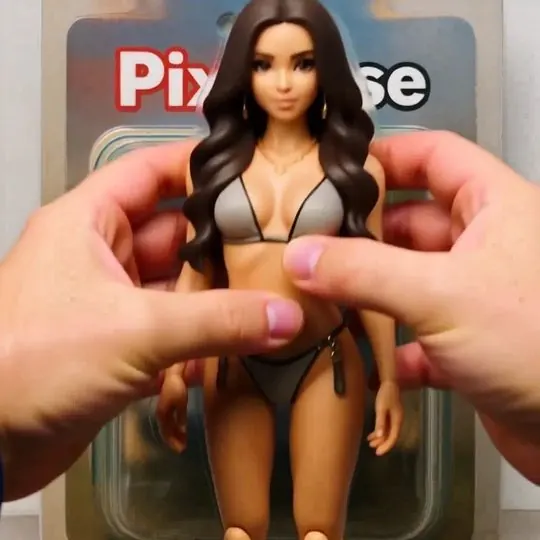
AI Action Figure in a Box
Your friend, sealed in a toy blister pack, then unboxed on camera.
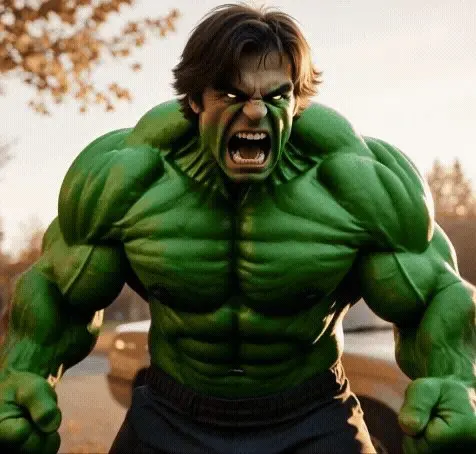
AI Hulk Transformation
Jacket rips, skin turns green, and your friend becomes a raging giant.
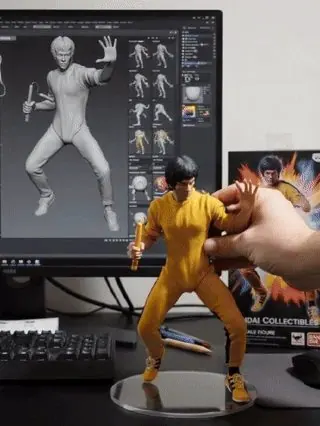
AI 3D Figurine Video
A desk collectible of your friend, box and all, shown off by hand.
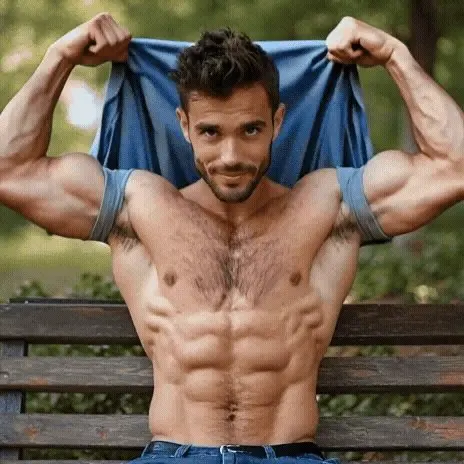
AI Muscle Video
Shirt comes off, six-pack and biceps show up. Instant gym results.
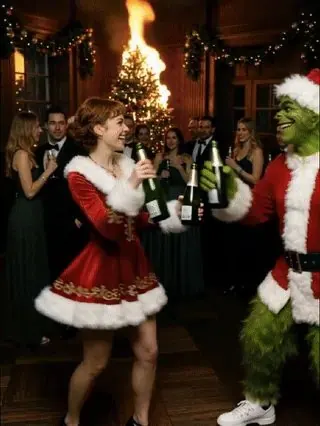
Grinch AI Video
A furry green Grinch in a Santa suit crashes the Christmas party.
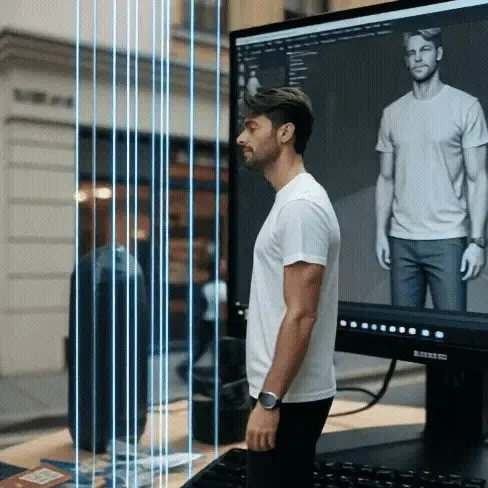
AI Figurine Trend
Scanned and 3D-modeled into a desk figurine, retail box included.

AI Aging Video
Your older self walks into frame and poses right beside you.
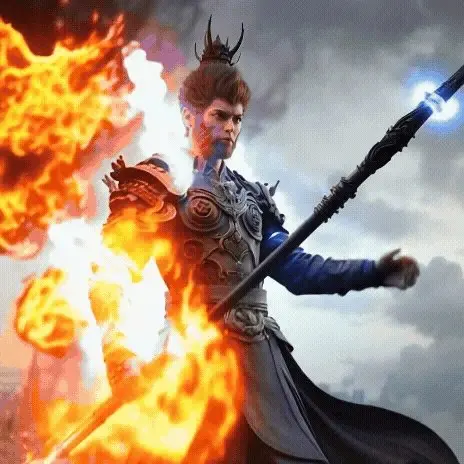
Wukong AI Transformation
Flames, a long staff and armor: your friend's epic warrior form.
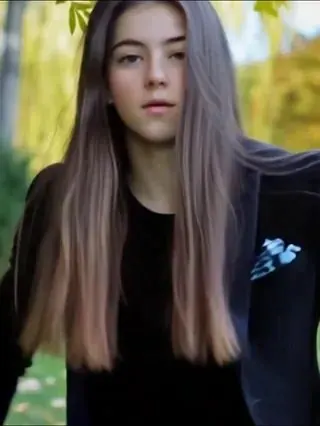
Gender Swap AI Video
See your friend as the opposite gender, with a shocked face to match.
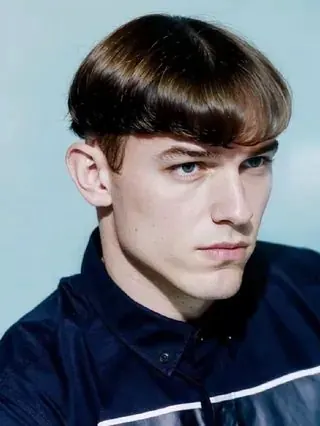
AI Bangs Filter
One spray and fresh bangs appear. Try the look before the scissors.

AI Baby Video: Baby Rain
Babies drop from the sky and swarm your friend. Total chaos.
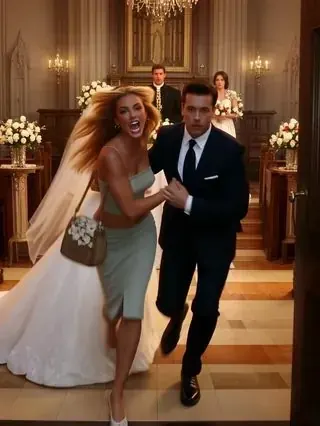
AI Wedding Crasher Video
Your friend storms a wedding and runs off with the groom.
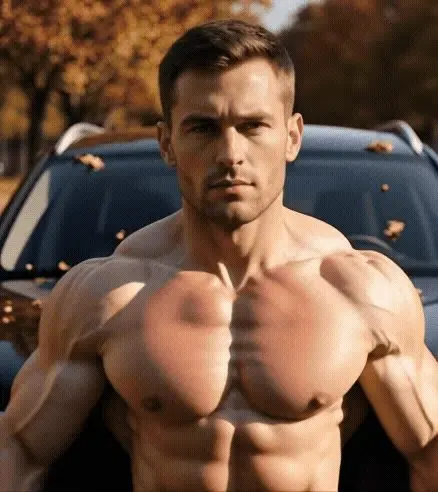
AI Body Transformation
Jacket off, bodybuilder on: a huge chest and abs in seconds.
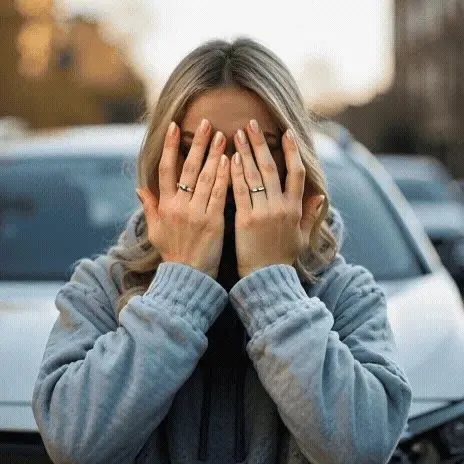
Baby Face AI Video
Hands cover the face, then drop to reveal a younger-looking you.
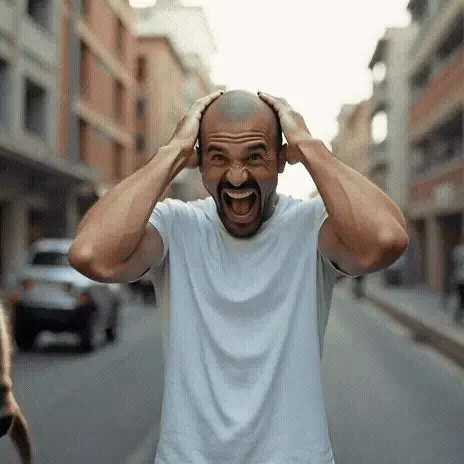
AI Bald Filter Video
A monkey swipes your friend's hair off. Their face says it all.
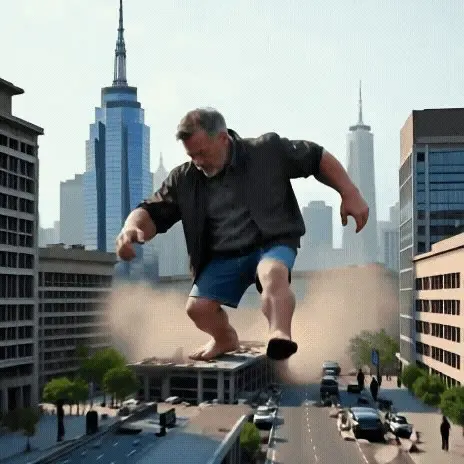
AI Giant Video
Your friend grows into a giant and stomps through the city.
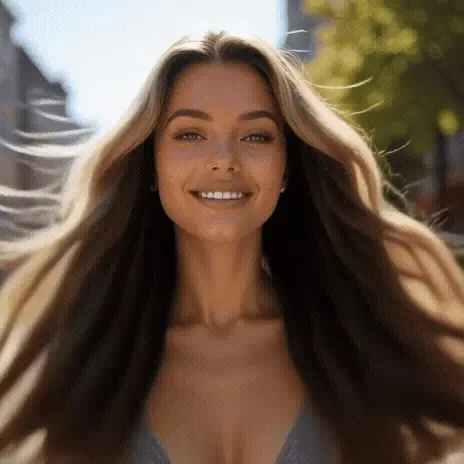
AI Long Hair Video
Short hair grows into long, flowing waves in seconds.
The biggest AI transformation trends in one app
AI transformation videos take one ordinary photo and turn it into a short before-and-after clip. The face stays recognizable while the body, hair or whole scene changes, which is exactly why they work so well as pranks. The Funny Transformations pack in AI Prank covers the trends people actually search for, from the AI figurine trend to the AI bald filter.
Popular AI transformation videos
- Toys and figurines: the AI action figure generator, the AI figurine trend and a 3D figurine video.
- Body transformations: an AI muscle video, an AI body transformation, an AI Hulk transformation and an AI giant video.
- Hair makeovers: the AI bald filter video, an AI long hair video and the AI bangs filter.
- Age and identity: an AI aging video, a baby face AI video and a gender swap AI video.
- Pure chaos: babies falling from the sky, an AI wedding crasher video, a Wukong AI transformation and a Grinch Christmas takeover.
How to make an AI transformation video from a photo
Open AI Prank, pick a template from Funny Transformations and add one photo, either a selfie or any picture from your camera roll. The AI generates a short HD video, usually in about a minute. Save it to your phone or share it straight to WhatsApp, TikTok, Instagram Reels or YouTube Shorts. For photo tips, read our guide on how to make an AI prank video.
Funny transformation prank ideas for friends
- Post a friend's AI muscle video as their 'one month at the gym' update.
- Send a Future Me clip to the family chat as your 'long-lost relative.'
- Text a friend their boxed action figure with 'Someone is selling you online.'
- Always reveal it's AI once everyone has laughed. The best pranks end with your friend sharing the video too.
Do you need a prompt for AI transformation videos?
No. The viral figurine, action figure and muscle trends spread through long copy-paste prompts in AI image tools, and most of them produce a still picture. Every Funny Transformations template already knows what should happen, so you add one photo and get a short video, usually in about a minute.
Want a transformation that isn't in the pack? Open the Custom tab, upload a photo, type your idea and pick an AI video model: Kling for ultra-realistic motion, Hailuo for smooth, cinematic motion, or Grok for creative, bold ideas. A few transformation prompts to start with:
- "The person's hair slowly grows into a huge rainbow afro, and they look up at it in shock."
- "The person shrinks to the size of a coffee mug on the table and waves at the camera."
- "The person turns into a clay animation character, then blinks at the camera. Keep the face and clothes the same as the photo."
Photo tips for AI transformation videos
- Toys and figurines: use a full-body photo. The figure copies the outfit and pose, so the more it can see, the better the AI action figure looks.
- Muscles and body changes: a clear photo facing the camera works, and a waist-up shot gives Gym Gains, Shredded and Green Rage the most to work with.
- Hair makeovers: keep the hairline and current hairstyle visible. Skip hats and hoods for New Bangs or Rapunzel Hair.
- Age and gender changes: a sharp, front-facing face in good light matters most for Future Me, Baby Face and Gender Flip.
- Stick to one person per photo. In a group shot, the AI may transform the wrong friend.
Frequently asked questions
How do I make an AI transformation video from a photo?
Download AI Prank from Google Play, pick a Funny Transformations template, add one photo and tap generate. The video is usually ready in about a minute. The iPhone version is coming soon.
Are AI transformation videos free to make?
AI Prank is free to download and gives you free credits to start plus daily free credits. Free videos carry a small AI Prank watermark, and optional premium plans remove it.
What happens to the photos I upload?
Photos are used only to create the videos you request. They are never sold, never used to train AI models, and everything is deleted when you delete your account in the app.
Do I need a prompt to make an AI transformation video?
No. Each Funny Transformations template already knows what should happen, so one photo is enough. If you want your own idea, the Custom tab lets you type a prompt and pick an AI video model.
Can I make a transformation that isn't in the pack?
Yes. Open the Custom tab, upload a photo, describe the transformation you want and pick an AI video model. New templates are added regularly too.
How long are AI transformation videos?
Usually 5 to 10 seconds, in HD (720p on templates). That's enough for the full transformation, and it's a good length for Reels, TikTok and Shorts.