
Preview of the Snack Cam template in the AI Prank app
Caught Eating on Camera: AI Stadium Snack Cam Prank
Everyone loves a fan caught eating on camera, and now that fan can be you. The Snack Cam template turns one photo into a live-broadcast clip of you in the stands, going all in on a giant slice of pizza.
 App Store · coming soon
Template name in the app: Snack Cam · One photo · Ready in about a minute
What the Caught Eating on Camera video looks like
It plays like a TV crowd cutaway during a match, with a scoreboard graphic and a LIVE tag on screen. You sit in the stands holding a huge slice of pepperoni pizza, with a plate in your other hand and fans all around you. The camera slowly pushes in as you take a big, unapologetic bite. The shot ends on a close-up of you smiling with your eyes closed, clearly enjoying every second.
How to make it
- Open AI Prank and choose Snack Cam from the Stadium & Football pack.
- Add a clear photo of the person who will star as the hungriest fan in the stadium.
- Tap generate and let the AI cook for about a minute.
- Save it or share it to WhatsApp, TikTok or YouTube Shorts.
Prank ideas
- Send it to your always-hungry friend: "Bro, you're on TV eating again."
- Post it in the group chat as your excuse for missing the goal.
- Tell your roommate the broadcast caught you eating instead of watching the game, then show them it's AI.
Frequently asked questions
What is the snack cam prank?
It's a fake fan cam clip where you get caught eating a giant pizza slice during a live match. AI Prank makes it from one photo with the Snack Cam template.
How long does the Snack Cam video take to make?
Usually about a minute, sometimes 1–3 minutes. You get a short HD MP4 you can save or share.
Guides
More Stadium & Football pranks

Caught on Stadium Camera
Become the fan the TV broadcast can't stop cutting to.

AI Concert Cam
Show up on the concert big screen, waving at the whole arena.
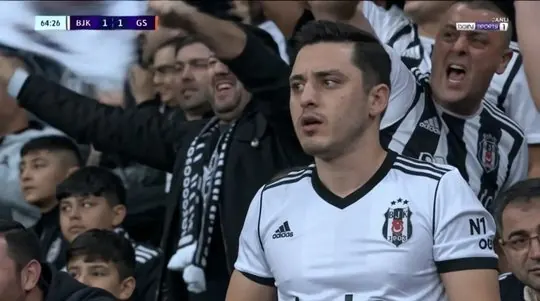
Beşiktaş Fan AI Video
Put a friend in the black-and-white stands on a live broadcast.
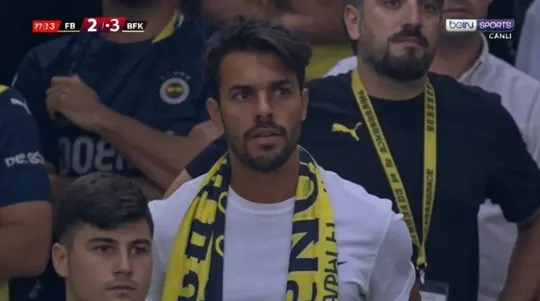
Fenerbahçe Fan AI Video
You, a yellow-and-navy scarf and a nervy late-game stare.
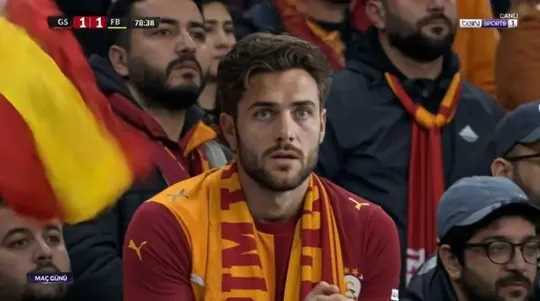
Galatasaray Fan AI Video
Red-and-yellow scarf, 1–1 on the board, hands clasped. Pure nerves.

AI Trophy Lift
From business suit to champion on your teammates' shoulders.
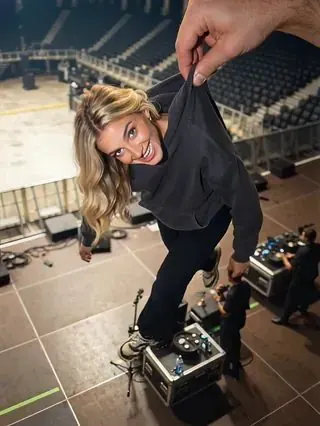
Giant Hand AI Trend
A giant hand plucks you up and dangles you over an empty arena.
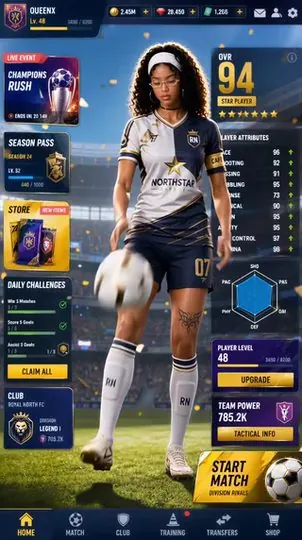
AI Football Game Character
Become the star on a football game's home screen, 94 rated.
Popular in other packs
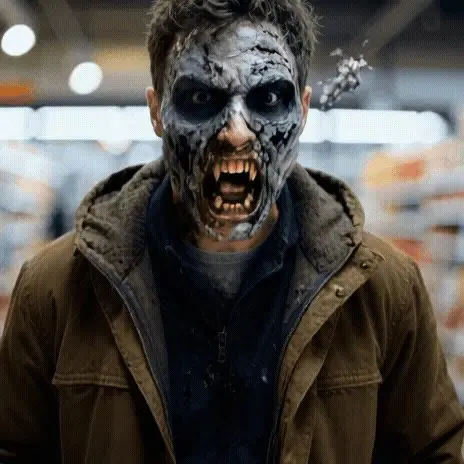
AI Zombie Video
Cuts spread across your face until you go full zombie.
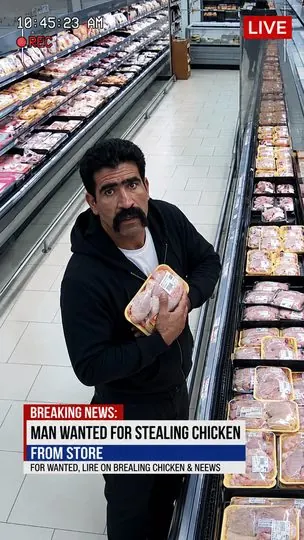
Fake CCTV Footage Prank
Grainy store CCTV catches your friend clutching a pack of raw chicken.

AI Hulk Transformation
Jacket rips, skin turns green, and your friend becomes a raging giant.
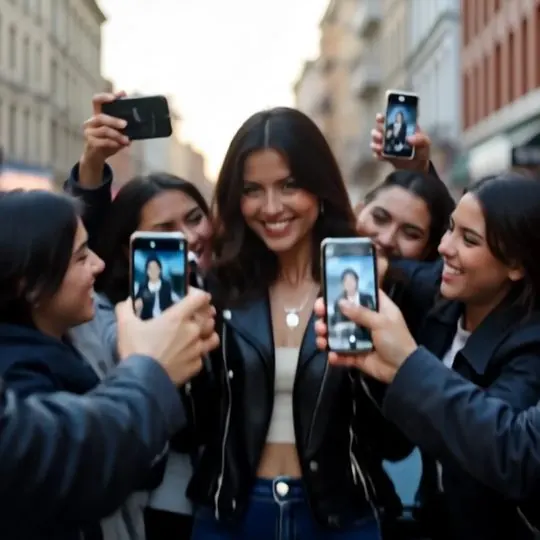
AI Celebrity Video
A crowd of fans mobs you for photos. Famous for 5 seconds.