
Preview of the Fail Cam template in the AI Prank app
AI Explosion Video: The Unbothered Boom Meme
Make an AI explosion video from a single photo with the Fail Cam template. A giant fireball erupts right behind your friend while they stay completely, hilariously calm. Main-character energy from one photo.
 App Store · coming soon
Template name in the app: Fail Cam · One photo · Ready in about a minute
What the AI Explosion Video video looks like
In the preview, a guy sits in a bus seat by the window, staring straight at the camera with a flat, calm face while sunlight streams in. Then a massive orange fireball erupts outside the window behind him, filling the glass with flames. He doesn't react at all. By the end, the fire has faded into a haze of smoke and he's still sitting there, perfectly unbothered. The setting comes from your photo; the AI adds the blast.
How to make it
- Open AI Prank and pick Fail Cam in the Busted! pack.
- Upload a photo of your friend looking at the camera, ideally with a window or open space behind them.
- Let the AI add the explosion, usually in about a minute.
- Save it or share it to TikTok, Instagram Reels or WhatsApp.
Prank ideas
- Caption it 'me pretending everything's fine on Monday' and send it to your friends.
- Reply with it when the group chat asks how the exam went.
- Make one of the calmest friend you know and title it 'unbothered, as always', then tag them so they see it's AI.
Frequently asked questions
How do I add an explosion behind me in a video?
Use the Fail Cam template in AI Prank: upload one photo and the AI generates a short clip with a fireball erupting behind you. No editing needed.
Is the explosion real?
No. The fire and smoke are generated by AI. Share it as an obvious joke and skip anyone who might mistake it for a real emergency.
Guides
More Busted! Caught on Camera pranks
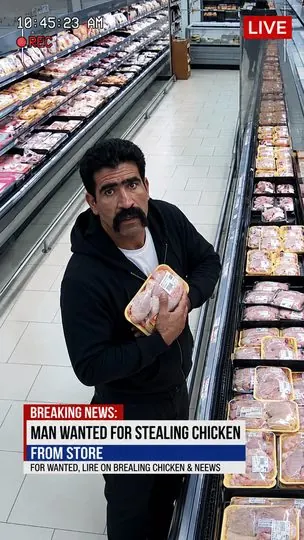
Fake CCTV Footage Prank
Grainy store CCTV catches your friend clutching a pack of raw chicken.
AI Kung Fu Video
Your photo becomes a kung fu showdown on a sunny lawn.
Workplace Persona AI Trend
A neon office sign reveals your coworker's true work persona.
I Quit Prank Video
Your friend screams, the office catches fire, they walk out.
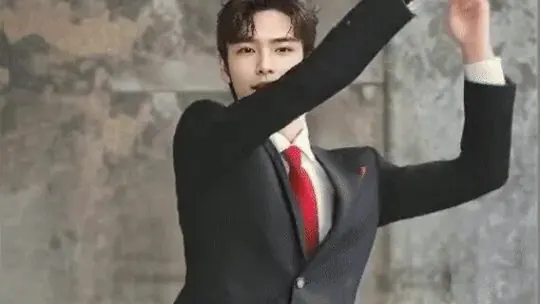
AI PUBG Dance Video
Your photo breaks into a winner-style victory dance.

AI Pole Dance Split
A stage-lit pole split with dollar bills floating down.
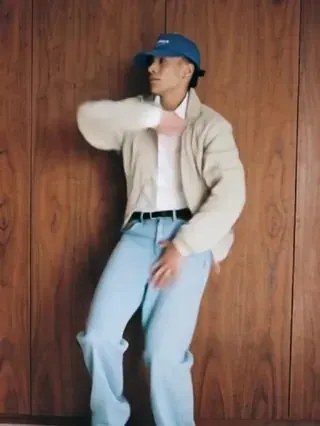
AI Siren Dance Video
One photo, one high-energy dance your friends will replay.
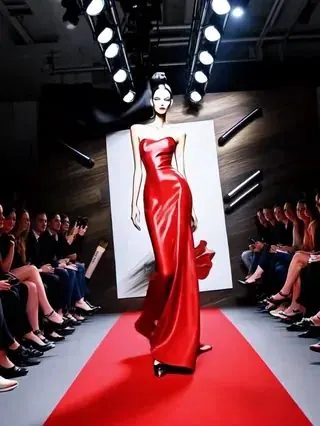
AI Runway Walk Video
Turn a photo into a red runway walk with the front row watching.
Popular in other packs
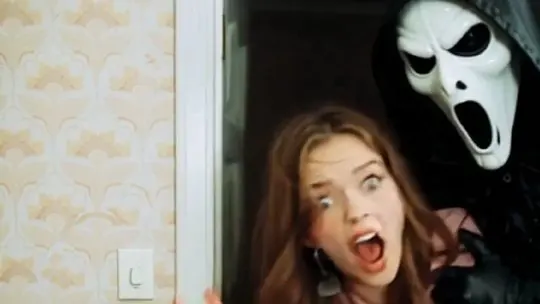
Ghostface AI Trend
A masked figure sneaks up behind you, horror-movie style.
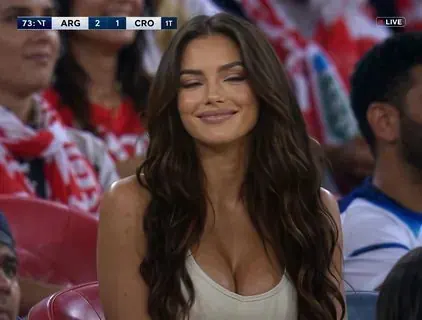
Caught on Stadium Camera
Become the fan the TV broadcast can't stop cutting to.
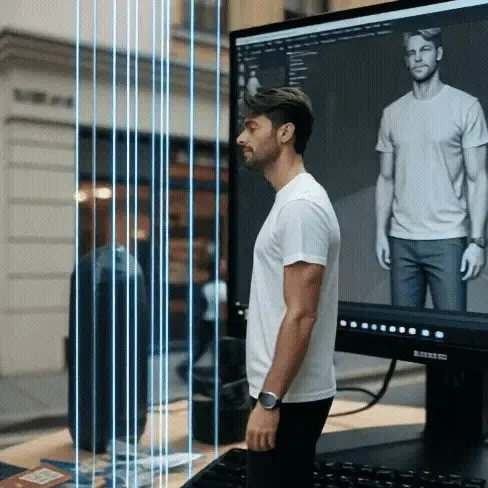
AI Figurine Trend
Scanned and 3D-modeled into a desk figurine, retail box included.
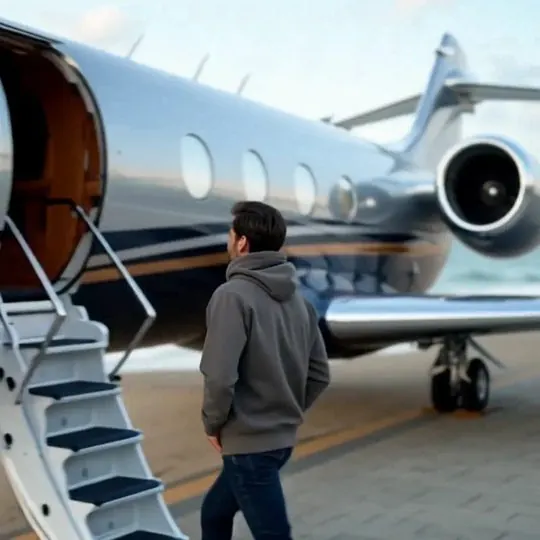
AI Private Jet Video
Walk up the airstair of your own private jet. From one photo.