
Preview of the Zombie Mode template in the AI Prank app
AI Zombie Video: Watch Your Photo Turn Undead
Make an AI zombie video from one photo with the Zombie Mode template. Cuts spread, skin goes gray and the eyes sink into dark hollows until you're fully undead. It's the quickest way to go zombie for Halloween, no makeup required.
 App Store · coming soon
Template name in the app: Zombie Mode · One photo · Ready in about a minute
What the AI Zombie Video video looks like
Zombie Mode begins with a normal photo. In the preview, a man in a brown parka stands in a brightly lit supermarket aisle. First, small cuts and dark marks appear across his face. Then the infection takes over: the skin turns gray and cracked, the eyes sink into dark hollows and the mouth opens to show jagged, rotten teeth. In the final frame, the full zombie face snarls toward the camera with bits flaking away beside his head, while the store behind him stays perfectly ordinary.
How to make it
- Open AI Prank and tap the Zombie Mode template.
- Upload a photo with your face clearly visible. An everyday setting, like the store aisle in the preview, makes the twist funnier.
- Wait about a minute while the AI turns you into a zombie.
- Save it or share it to WhatsApp, TikTok, Instagram Reels or YouTube Shorts.
Prank ideas
- Send it mid-grocery run with "Don't come to aisle 5. Trust me," then reveal it's AI.
- Reply to "How's your Monday going?" with your Zombie Mode video.
- Zombie-fy the whole friend group (with their okay) and post the lineup as your Halloween countdown.
Frequently asked questions
How do I make an AI zombie video from a photo?
Choose the Zombie Mode template in AI Prank and upload one photo. The AI generates a short zombie transformation video, usually in about a minute.
Is there a free AI zombie filter?
AI Prank is free to download and includes free starter credits plus daily free credits. It creates a finished video rather than a live filter, and free videos carry a small watermark.
Can I share my zombie video on TikTok?
Yes. Save it to your phone or share it straight to TikTok, Instagram Reels, YouTube Shorts or WhatsApp.
What's the difference between an AI zombie filter and an AI zombie video?
Many AI zombie filters give you one edited still photo. Zombie Mode makes a short video where the change happens on camera: cuts appear, the skin turns gray and cracked, and the mouth opens to show jagged teeth.
Can I turn my friend into a zombie with AI?
Yes, if it's a friend who'll laugh. Add their photo to Zombie Mode, send them the video and reveal it's AI once they react. Ask before posting it anywhere public.
Guides
More Halloween & Scary pranks
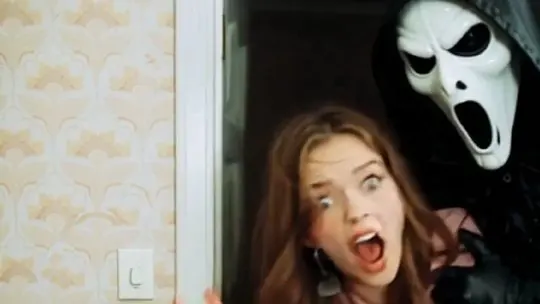
Ghostface AI Trend
A masked figure sneaks up behind you, horror-movie style.
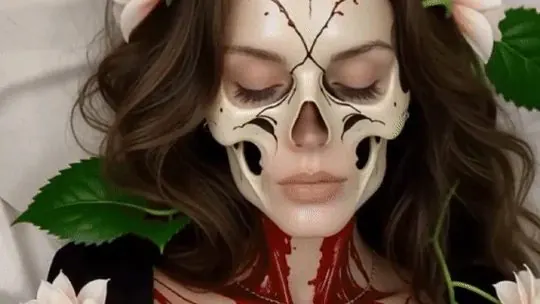
AI Skull & Skeleton Video
Your photo morphs into skeleton looks, from bare ribs to chrome skull.
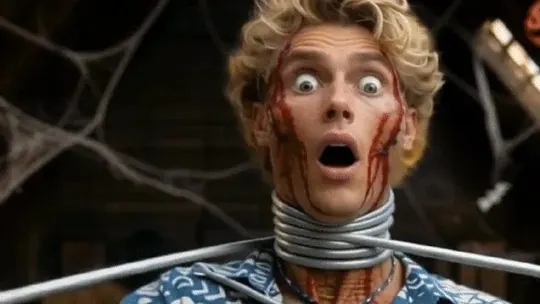
Voodoo Doll AI Video
Button eyes, stitched grin: your selfie becomes a creepy doll.
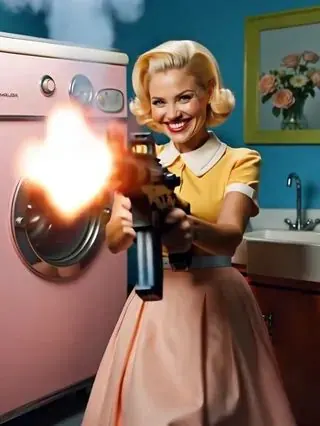
Evil Trigger AI Effect
A sweet portrait flips into villain mode with a creepy grin.
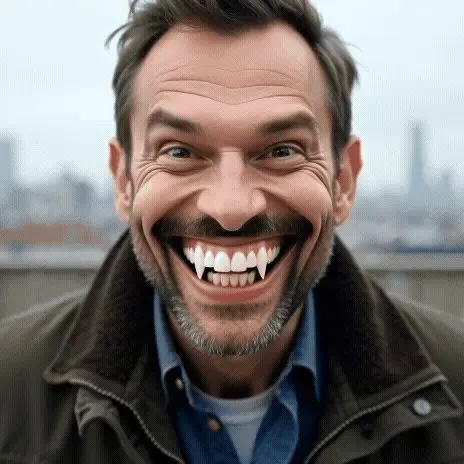
AI Devil Face: Creepy Grin
A normal smile stretches into a wide, fanged grin.
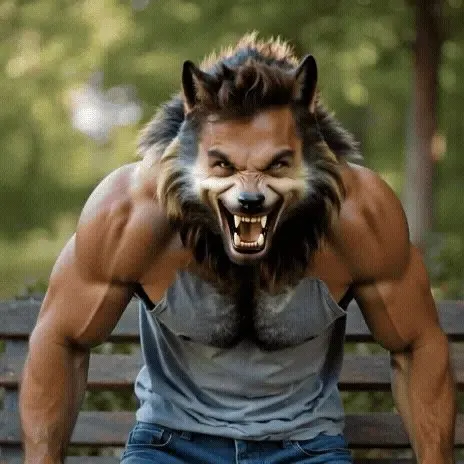
AI Werewolf Transformation
Calm on a park bench, then fur, fangs and a werewolf snarl.
Popular in other packs
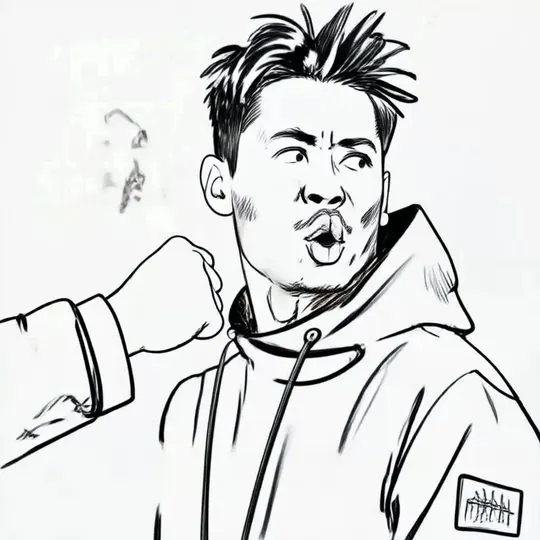
AI Fight Video: Punch Meme
A fist flies in from off-screen. Your friend's face says it all.

AI Trophy Lift
From business suit to champion on your teammates' shoulders.
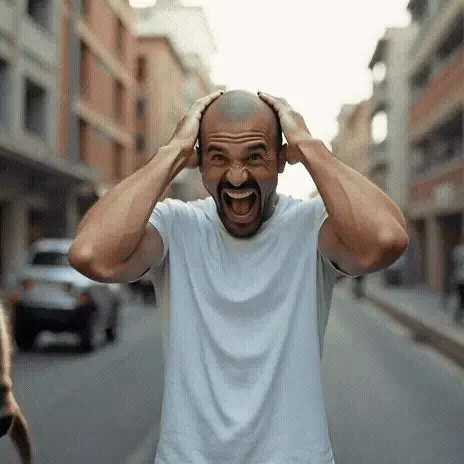
AI Bald Filter Video
A monkey swipes your friend's hair off. Their face says it all.
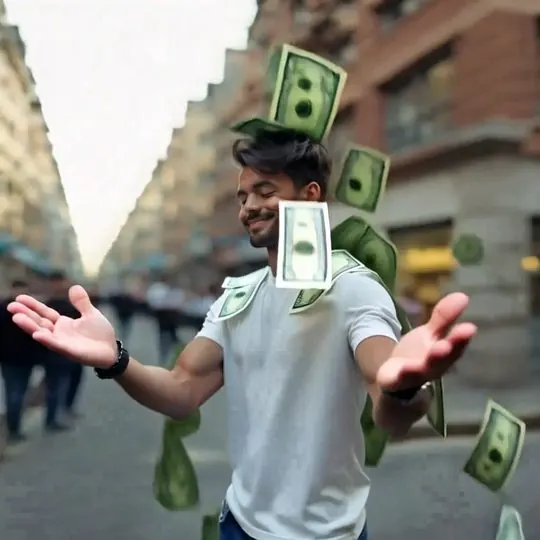
AI Money Rain Video
A tornado of cash swirls around you. Rich for 5 seconds.