
Preview of the Toy Store Find template in the AI Prank app
AI Figurine Trend: Turn a Photo into a Desk Figurine Video
Toy Store Find puts the AI figurine trend in motion. Your friend gets scanned by glowing light lines, pops up next to a 3D model on a monitor, and ends as a figurine on a clear stand beside its own retail box. One photo in, one very collectible friend out.
 App Store · coming soon
Template name in the app: Toy Store Find · One photo · Ready in about a minute
What the AI Figurine Trend video looks like
The video opens on the original photo, a man in a white T-shirt on a city street. Glowing blue scan lines sweep across him as the camera moves around. Then he appears in front of a desk monitor that displays his 3D model. By the end he's a small figurine on a clear round base, next to a keyboard and a retail box printed with his picture. The face, outfit and pose all match the photo.
How to make it
- Open AI Prank and choose Toy Store Find from Funny Transformations.
- Add a clear, front-facing photo of your friend, ideally showing their outfit.
- Tap generate and wait about a minute for the scan-to-figurine video.
- Save it or share it to WhatsApp, TikTok or Instagram Reels.
Prank ideas
- Text it with 'Found you at the toy store. You were on sale.' and wait for the reaction.
- Post the figurine as a 'limited edition drop' in the group chat and ask who wants to preorder.
- Make a figure for every friend on the trip and share the full 'collection' when you get home.
Why the AI figurine trend went viral
The AI figurine trend, also called the AI toy trend or AI statue trend, took off in 2025. People turned their photos into realistic desk figurines with a clear round base, a 3D model on the computer screen and a printed retail box beside it. It looked like real merch, which made it perfect for fooling friends for a few seconds.
Most versions were still images made with long prompts. Toy Store Find turns the trend into a video and shows the making-of: glowing scan lines, the 3D model on the monitor, then the finished figurine next to its box. Prefer your friend sealed in a blister pack? Try the AI action figure generator.
Frequently asked questions
How do I do the AI figurine trend as a video?
Open AI Prank, pick the Toy Store Find template, add one photo and generate. In about a minute you get a short video that ends with your friend as a desk figurine next to its own box.
Is there a free AI figurine trend generator?
AI Prank is free to download, with free credits to start plus daily free credits. Free videos include a small watermark, and premium removes it.
What photo works best for the AI figurine trend?
A clear photo of one person facing the camera works best. Showing more of the outfit gives the figurine more to copy.
Do I need the AI figurine trend prompt?
No. Toy Store Find already has the scan, the 3D model and the retail box built in, so one photo is enough. No copy-paste prompt needed.
What's the difference between Toy Store Find, Toy Mode and Boxed & Sold?
Toy Store Find shows the whole process, from glowing scan lines to a desk figurine next to its box. Toy Mode starts on the finished collectible being shown off by hand, and Boxed & Sold seals the person in a blister pack and then unboxes them.
Guides
More Funny Transformations pranks
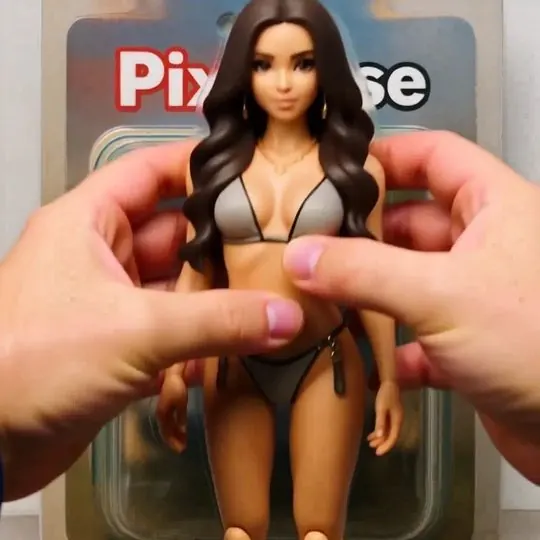
AI Action Figure in a Box
Your friend, sealed in a toy blister pack, then unboxed on camera.

AI Hulk Transformation
Jacket rips, skin turns green, and your friend becomes a raging giant.
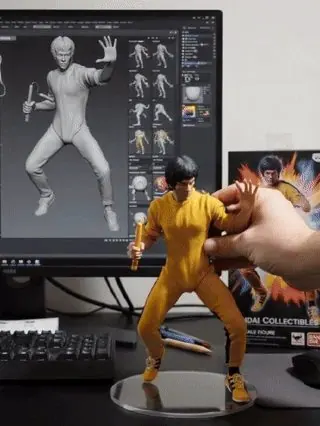
AI 3D Figurine Video
A desk collectible of your friend, box and all, shown off by hand.

AI Muscle Video
Shirt comes off, six-pack and biceps show up. Instant gym results.

Grinch AI Video
A furry green Grinch in a Santa suit crashes the Christmas party.

AI Aging Video
Your older self walks into frame and poses right beside you.
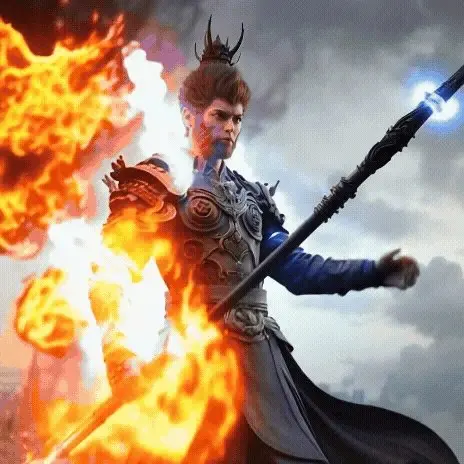
Wukong AI Transformation
Flames, a long staff and armor: your friend's epic warrior form.
Gender Swap AI Video
See your friend as the opposite gender, with a shocked face to match.
Popular in other packs
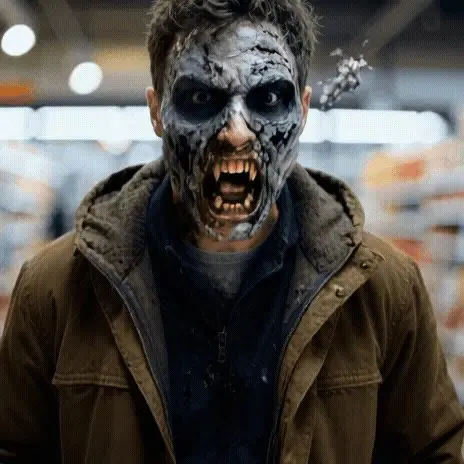
AI Zombie Video
Cuts spread across your face until you go full zombie.
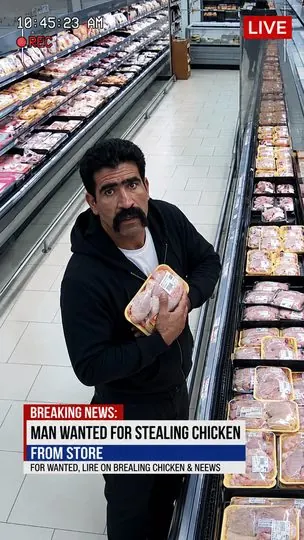
Fake CCTV Footage Prank
Grainy store CCTV catches your friend clutching a pack of raw chicken.

AI Football Goal Video
Sprint, dribble and knee-slide in front of a packed stadium.
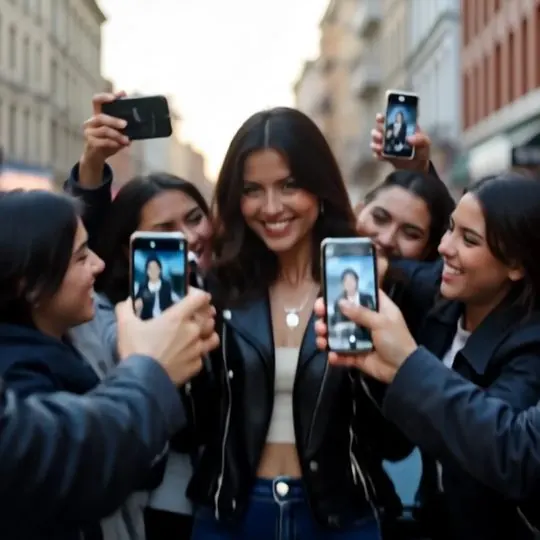
AI Celebrity Video
A crowd of fans mobs you for photos. Famous for 5 seconds.