
Preview of the Devil Grin template in the AI Prank app
AI Devil Face: Turn a Smile into a Creepy Fanged Grin
Get an AI devil face from any selfie with the Devil Grin template. It starts as a friendly smile and stretches into something your friends won't unsee. One photo in, one creepy 5-second video out.
 App Store · coming soon
Template name in the app: Devil Grin · One photo · Ready in about a minute
What the AI Devil Face: Creepy Grin video looks like
Devil Grin starts with a serious, straight-faced portrait. In the preview, it's a man in a green jacket on a rooftop with a city skyline behind him. He breaks into a warm, normal smile. Then it keeps going: the grin stretches unnaturally wide, the eyes widen, the cheeks bunch up and the teeth turn into sharp, pointed fangs. By the last frame, a huge devil smile stares straight into the camera. The background never changes, which makes the creepy shift even harder to shake.
How to make it
- Open AI Prank and choose the Devil Grin template.
- Upload a straight-on photo with the face clearly visible. A neutral expression makes the change hit harder.
- Wait about a minute for the AI to generate the grin.
- Save it, or send it to WhatsApp, TikTok or Instagram Reels.
Prank ideas
- Send it to the friend who always says "smile more!" with the caption "Happy now?"
- Reply to a "send a selfie" message with your Devil Grin video, then follow up with the real selfie and "kidding, it's AI."
- Run a Halloween "creepiest smile" contest in the group chat where everyone makes their own.
Frequently asked questions
How do I make an AI devil face video?
Pick the Devil Grin template in AI Prank and upload one clear face photo. The AI turns it into a short creepy-smile video, usually in about a minute.
Is Devil Grin a live camera filter?
No. It's not a real-time filter. AI Prank generates a finished video from your photo that you can save or share.
Can I remove the watermark from my devil face video?
Free videos carry a small AI Prank watermark. The optional weekly premium plans remove it.
Does the AI devil face add horns or glowing eyes?
No. In the preview, the background and outfit stay the same and the change is all in the smile, which stretches unnaturally wide and ends in sharp, pointed fangs. For a horned demon look, open the Custom tab and describe it in your own prompt.
Guides
More Halloween & Scary pranks
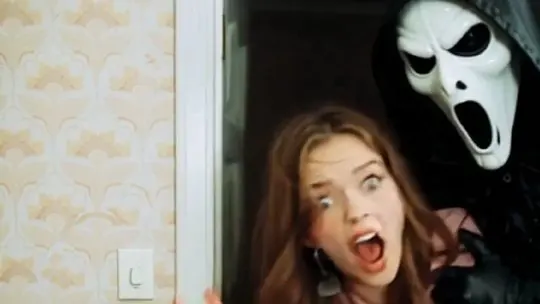
Ghostface AI Trend
A masked figure sneaks up behind you, horror-movie style.
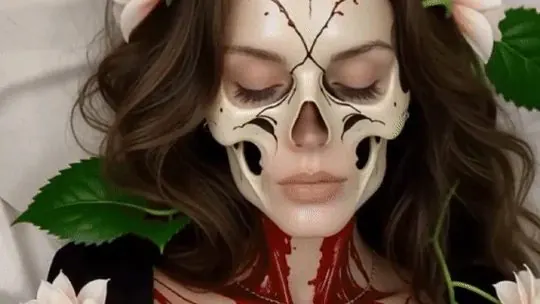
AI Skull & Skeleton Video
Your photo morphs into skeleton looks, from bare ribs to chrome skull.
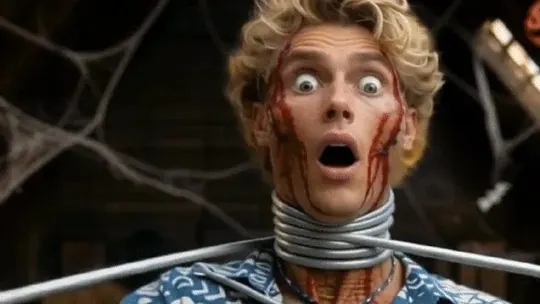
Voodoo Doll AI Video
Button eyes, stitched grin: your selfie becomes a creepy doll.
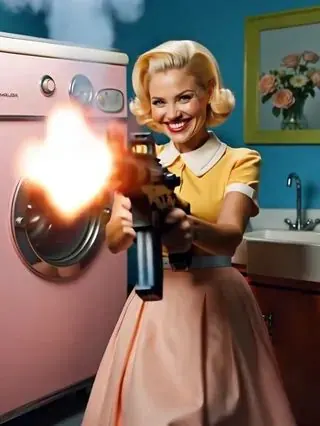
Evil Trigger AI Effect
A sweet portrait flips into villain mode with a creepy grin.
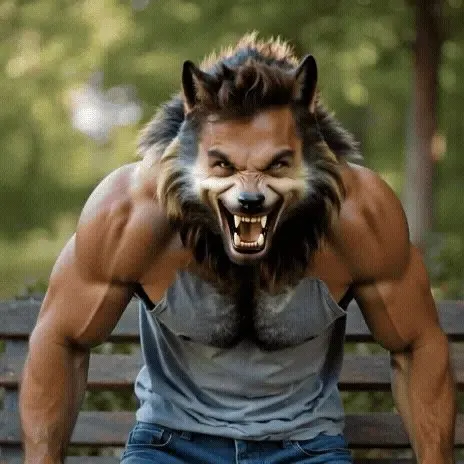
AI Werewolf Transformation
Calm on a park bench, then fur, fangs and a werewolf snarl.
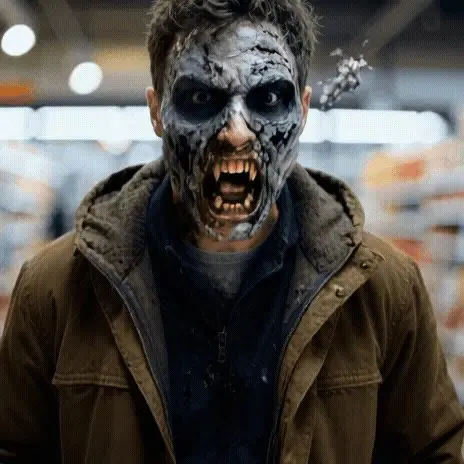
AI Zombie Video
Cuts spread across your face until you go full zombie.
Popular in other packs
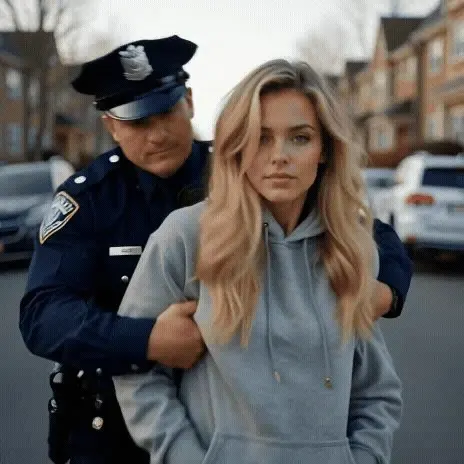
Fake Arrest Prank Video
An AI cop walks up and leads your friend away. From one photo.

Caught on Stadium Camera
Become the fan the TV broadcast can't stop cutting to.
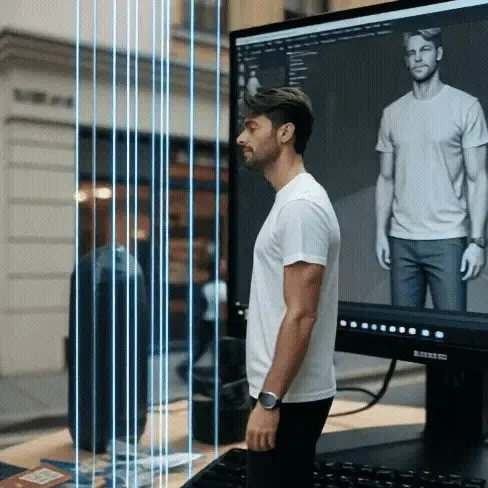
AI Figurine Trend
Scanned and 3D-modeled into a desk figurine, retail box included.

AI Private Jet Video
Walk up the airstair of your own private jet. From one photo.