
Preview of the Demon Cam template in the AI Prank app
Evil Trigger AI Effect: Your Photo's Sudden Villain Twist
The evil trigger AI effect flips a calm, sweet photo into full villain mode in seconds. In AI Prank it's called Demon Cam: add one photo and watch the smile turn sinister. It's a plot twist nobody in the group chat will see coming.
 App Store · coming soon
Template name in the app: Demon Cam · One photo · Ready in about a minute
What the Evil Trigger AI Effect video looks like
Demon Cam opens on a still, composed portrait. In the preview, it's a woman in a polka-dot sun hat and dress against a bright orange door. A beat later she breaks into a wide, unsettling grin, raises a gun toward the camera and fires, filling the frame with a bright muzzle flash. A second take repeats the twist in a retro pastel laundry room, where a smiling woman in a yellow blouse suddenly aims and fires. It's a sweet-to-sinister villain reveal packed into a 5-second vertical clip.
How to make it
- Open AI Prank and select the Demon Cam template.
- Upload a calm, smiling portrait. The sweeter the start, the bigger the twist.
- Give the AI about a minute to generate your villain reveal.
- Save it or share it to TikTok, Instagram Reels or your group chat.
Prank ideas
- Send a friend their own Demon Cam video with "Something weird happened when I filmed you yesterday. Watch till the end." Then admit it's AI.
- Post your own sweet-to-sinister twist as a "my villain era starts now" Story.
- Run a Halloween "who's the villain?" game: make one for each friend (with their okay) and drop them in the group chat one by one.
Frequently asked questions
What is the evil trigger AI effect?
It's an AI video effect where a calm portrait suddenly turns into a grinning villain who fires at the camera. AI Prank offers it as the Demon Cam template.
How do I get the evil trigger effect on my photo?
Download AI Prank on Google Play, open Demon Cam and upload one photo. The video is usually ready in about a minute.
Guides
More Halloween & Scary pranks
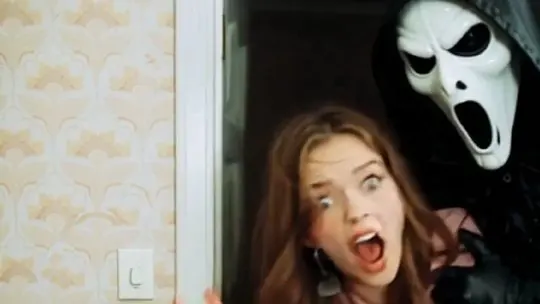
Ghostface AI Trend
A masked figure sneaks up behind you, horror-movie style.
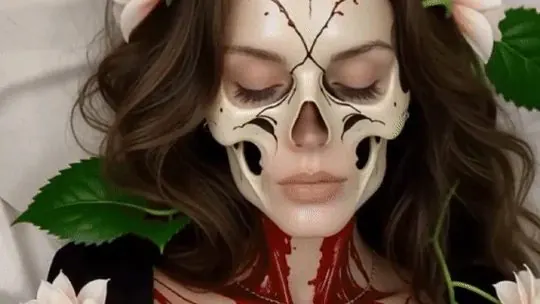
AI Skull & Skeleton Video
Your photo morphs into skeleton looks, from bare ribs to chrome skull.
Voodoo Doll AI Video
Button eyes, stitched grin: your selfie becomes a creepy doll.
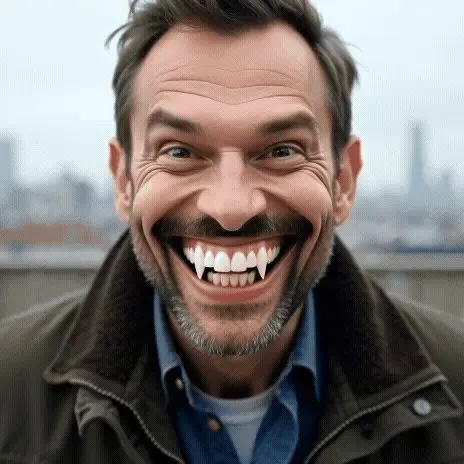
AI Devil Face: Creepy Grin
A normal smile stretches into a wide, fanged grin.
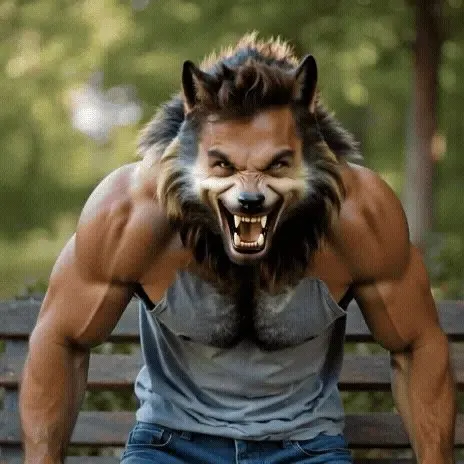
AI Werewolf Transformation
Calm on a park bench, then fur, fangs and a werewolf snarl.
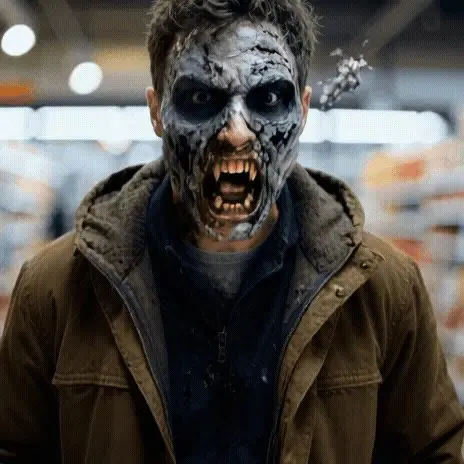
AI Zombie Video
Cuts spread across your face until you go full zombie.
Popular in other packs
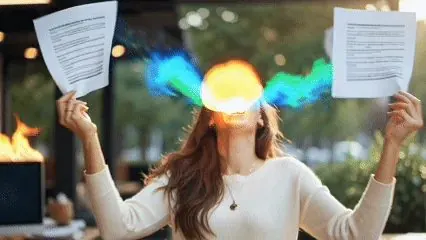
I Quit Prank Video
Your friend screams, the office catches fire, they walk out.

Caught Eating on Camera
A giant pizza slice, a live broadcast and zero shame.
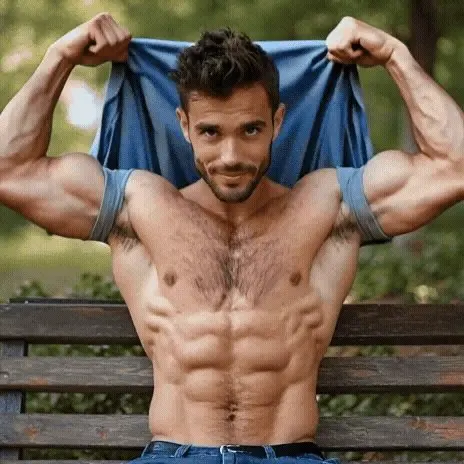
AI Muscle Video
Shirt comes off, six-pack and biceps show up. Instant gym results.
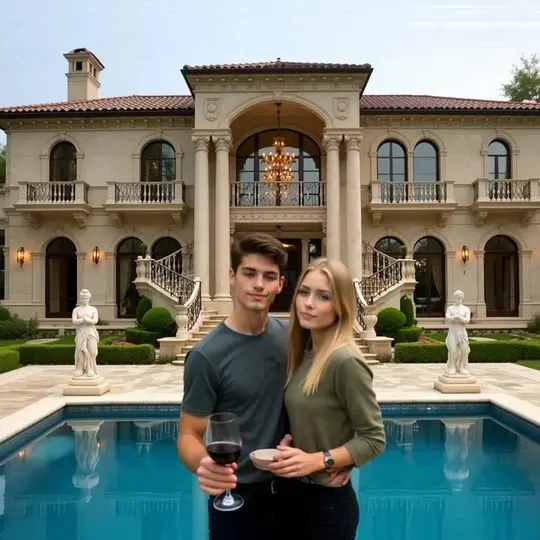
AI Mansion Tour Video
Your selfie moves into a mansion with a pool and statues.