
Preview of the Grinch Mode template in the AI Prank app
Grinch AI Video: A Christmas Takeover from One Photo
Create a Grinch AI video from a single photo with Grinch Mode. The clip ends at a glowing Christmas party where a furry green Grinch in a Santa suit takes over. Save it now for the holiday group chat.
 App Store · coming soon
Template name in the app: Grinch Mode · One photo · Ready in about a minute
What the Grinch AI Video video looks like
The preview flips through a few everyday photos of different people, then lands on a festive Christmas party. There's a decorated tree covered in lights, guests in party outfits, and a blonde woman in a red Santa outfit with white trim. Right beside her stands a furry green Grinch in a red Santa suit and hat. It's a quick holiday twist that turns an ordinary photo into a Grinch-style Christmas takeover.
How to make it
- Open AI Prank and pick Grinch Mode in Funny Transformations.
- Add a photo of your friend (or the family member who always grumbles about the holidays).
- Tap generate and wait about a minute for the Christmas scene.
- Save it or share it to the family group chat, WhatsApp or Instagram.
Prank ideas
- Send it to the friend who hates holiday music: 'Your Christmas party just got hijacked.'
- Drop it in the family group chat the day someone refuses to help decorate the tree.
- Use it in the Secret Santa group chat to crown a friend this year's official Grinch.
Grinch AI photo vs. Grinch AI video
Most of the Grinch AI trend lives in still photos made with image prompts, like the Grinch photobombing a selfie. Grinch Mode gives you a short video instead, ending at a Christmas party with a glowing tree and a furry green Grinch in a red Santa suit. Make it in November and it's ready before the holiday group chat gets busy.
AI Prank is an independent app and is not affiliated with or endorsed by Dr. Seuss Enterprises or Warner Bros. Grinch and Gryffindor are trademarks of their respective owners.
Frequently asked questions
Can I make a Grinch video from my photo?
Yes. Open Grinch Mode in AI Prank, add one photo, and the app creates a short Christmas clip with the Grinch in about a minute.
Is the Grinch AI video free?
AI Prank is free to download and gives free credits to start plus daily free credits. Free videos carry a small AI Prank watermark.
Does the Grinch AI video include a Grinch voice?
No. AI Prank doesn't do voice cloning, so there's no Grinch voice generator in the app. Grinch Mode is all about the visual Christmas takeover.
Do I need a Grinch AI prompt?
No. The Christmas party scene with the Grinch is built into Grinch Mode, so one photo is enough. For your own holiday idea, you can type a prompt in the Custom tab.
Guides
More Funny Transformations pranks
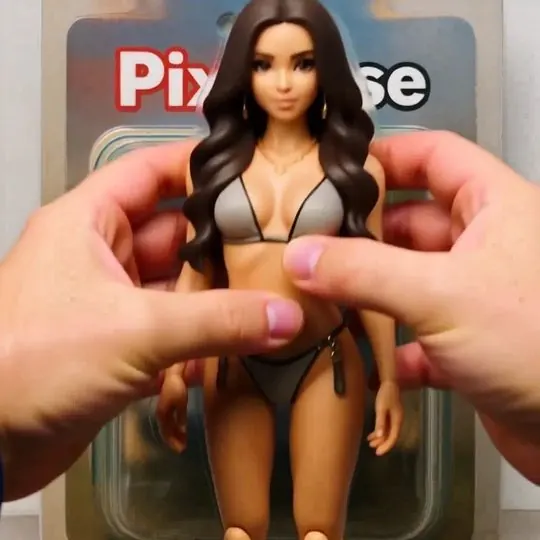
AI Action Figure in a Box
Your friend, sealed in a toy blister pack, then unboxed on camera.
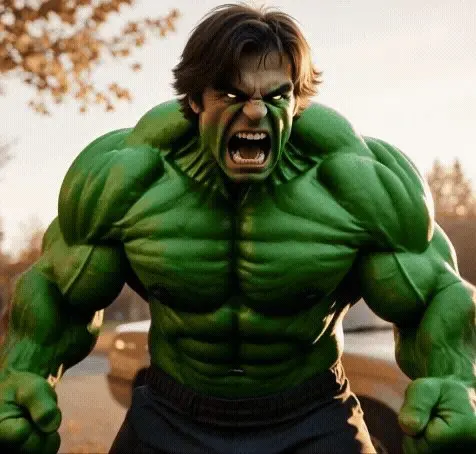
AI Hulk Transformation
Jacket rips, skin turns green, and your friend becomes a raging giant.
AI 3D Figurine Video
A desk collectible of your friend, box and all, shown off by hand.
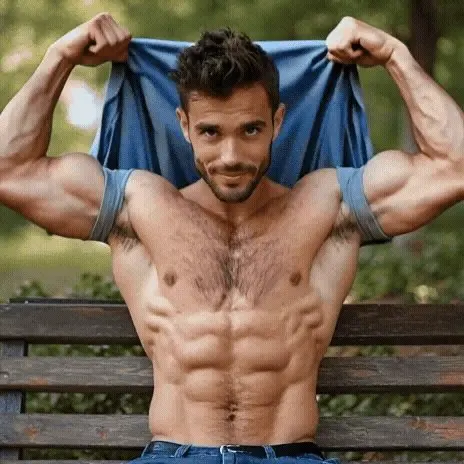
AI Muscle Video
Shirt comes off, six-pack and biceps show up. Instant gym results.
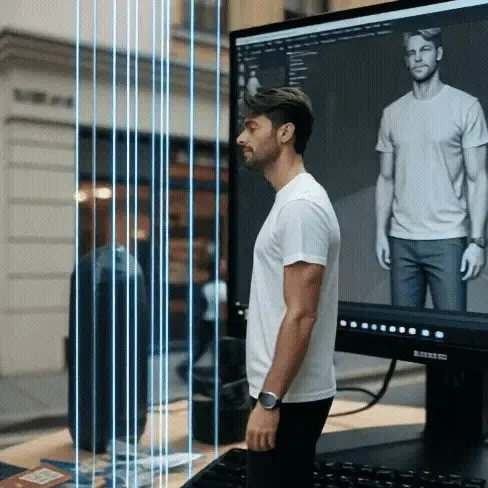
AI Figurine Trend
Scanned and 3D-modeled into a desk figurine, retail box included.

AI Aging Video
Your older self walks into frame and poses right beside you.
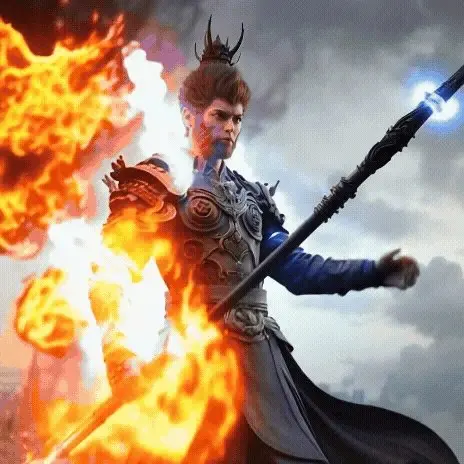
Wukong AI Transformation
Flames, a long staff and armor: your friend's epic warrior form.
Gender Swap AI Video
See your friend as the opposite gender, with a shocked face to match.
Popular in other packs
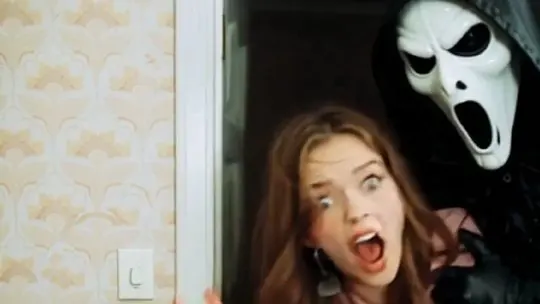
Ghostface AI Trend
A masked figure sneaks up behind you, horror-movie style.
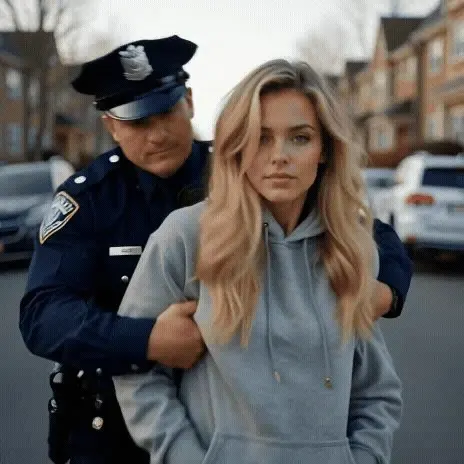
Fake Arrest Prank Video
An AI cop walks up and leads your friend away. From one photo.
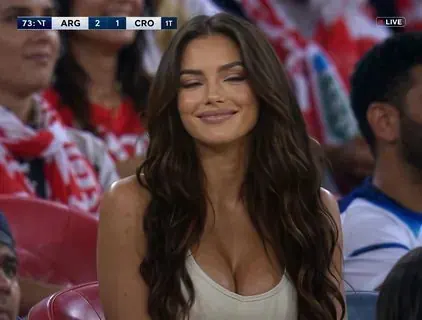
Caught on Stadium Camera
Become the fan the TV broadcast can't stop cutting to.

AI Private Jet Video
Walk up the airstair of your own private jet. From one photo.