
Preview of the Toy Mode template in the AI Prank app
AI 3D Figurine Video: Your Photo as a Desk Collectible
Turn a photo into an AI 3D figurine video with Toy Mode. The person shows up as a detailed collectible on a clear round stand, with a matching box on the desk and the 3D model on the monitor behind it. It's the figurine trend everyone posted, now in motion.
 App Store · coming soon
Template name in the app: Toy Mode · One photo · Ready in about a minute
What the AI 3D Figurine Video video looks like
The clip is set on a desk: a detailed collectible figure stands on a clear round base in front of a computer monitor that shows the same figure as a 3D model. A printed box with the figure's picture sits right next to it. A hand reaches in and touches the figure, like someone showing off a new purchase. The preview cycles through several examples, including a dog figurine, so you can see how different photos turn out.
How to make it
- Open AI Prank and select Toy Mode under Funny Transformations.
- Add a photo of your friend. A clear full-body shot looks best on the stand.
- Tap generate. The figurine video is usually ready in about a minute.
- Save it or share it to Instagram Reels, TikTok or WhatsApp.
Prank ideas
- Send it with 'Found your figurine on a resale site. Should I buy it?' and let them panic for a second before you reveal it's AI.
- Make one for a friend's birthday and post it as 'Custom merch just dropped.'
- Turn your roommate into a desk collectible and share it as 'Limited edition, only one in existence.'
Frequently asked questions
What is the AI figurine trend?
It's a viral trend where a photo becomes a realistic collectible figure on a desk, often with a matching box and a 3D model on the screen. Toy Mode turns that look into a short video.
Is Toy Mode free to try?
Yes. AI Prank is free to download, with free credits to start plus daily free credits. Free videos include a small AI Prank watermark.
Do I need a 3D scan to make a figurine video?
No. You only need one regular photo, like a selfie or any picture from your camera roll.
Guides
More Funny Transformations pranks
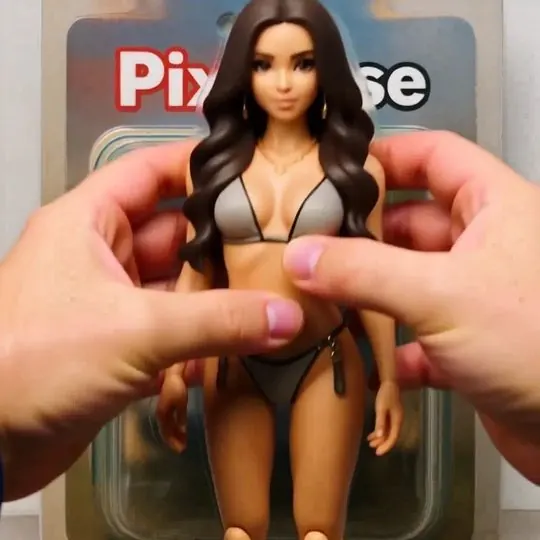
AI Action Figure in a Box
Your friend, sealed in a toy blister pack, then unboxed on camera.
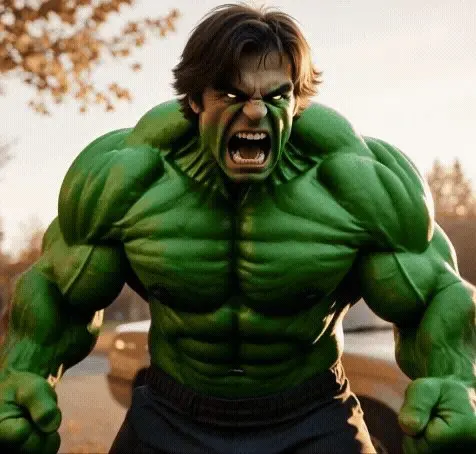
AI Hulk Transformation
Jacket rips, skin turns green, and your friend becomes a raging giant.

AI Muscle Video
Shirt comes off, six-pack and biceps show up. Instant gym results.

Grinch AI Video
A furry green Grinch in a Santa suit crashes the Christmas party.
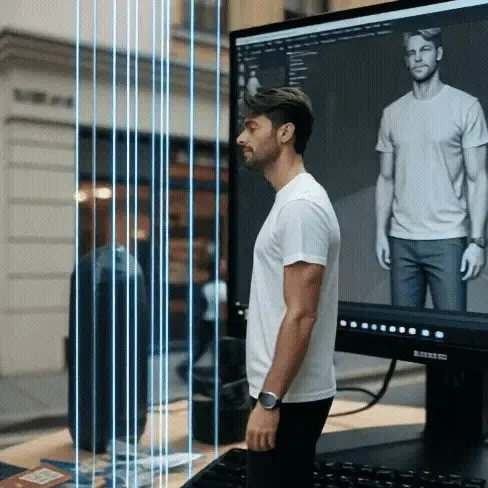
AI Figurine Trend
Scanned and 3D-modeled into a desk figurine, retail box included.

AI Aging Video
Your older self walks into frame and poses right beside you.
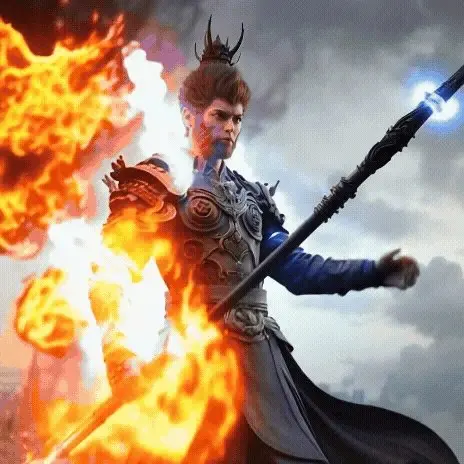
Wukong AI Transformation
Flames, a long staff and armor: your friend's epic warrior form.
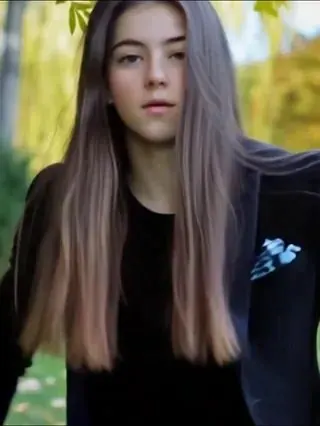
Gender Swap AI Video
See your friend as the opposite gender, with a shocked face to match.
Popular in other packs
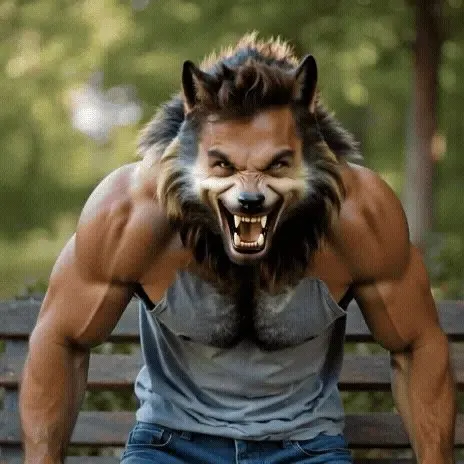
AI Werewolf Transformation
Calm on a park bench, then fur, fangs and a werewolf snarl.
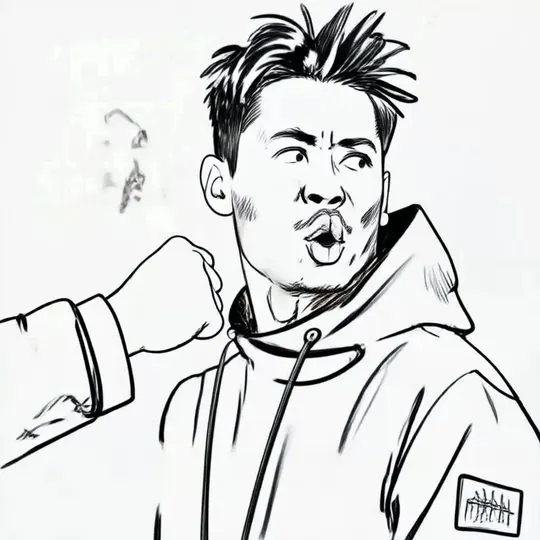
AI Fight Video: Punch Meme
A fist flies in from off-screen. Your friend's face says it all.

AI Trophy Lift
From business suit to champion on your teammates' shoulders.
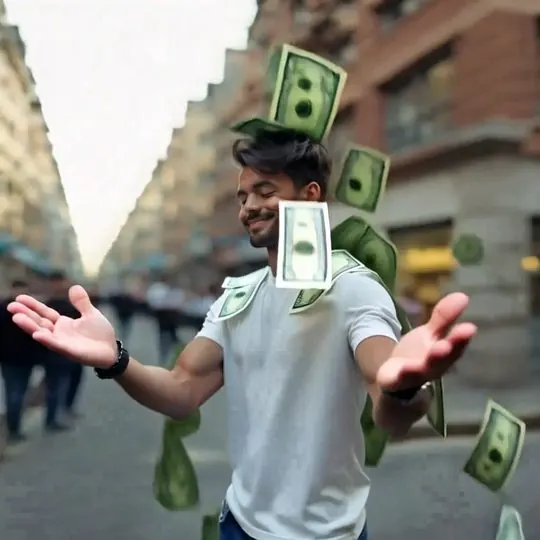
AI Money Rain Video
A tornado of cash swirls around you. Rich for 5 seconds.