
Preview of the Kungfu Cam template in the AI Prank app
AI Kung Fu Video: Turn a Photo into a Martial Arts Fight
Make an AI kung fu video from a single photo with the Kungfu Cam template. The people in your photo drop into fighting stances on a sunny lawn, suddenly dressed in martial arts pants and belts, and start trading punches. It's the kung fu movie scene your group chat didn't know it needed.
 App Store · coming soon
Template name in the app: Kungfu Cam · One photo · Ready in about a minute
What the AI Kung Fu Video video looks like
The preview starts with a simple photo of two friends against a blue sky and trees. Then the scene moves to a grassy lawn, where they drop into fighting stances, now in loose martial arts pants tied with belts, hers blue and his white. One throws a straight punch, the other fires back, and the exchange keeps going in fast, blurry motion. The sunny lawn makes it look like leaked footage from a secret kung fu club. Faces and hair stay true to the photo you upload.
How to make it
- Open AI Prank and choose Kungfu Cam in the Busted! pack.
- Upload a photo. A shot of two friends side by side gives you a full sparring match, like the preview.
- Let the AI generate the fight, usually in about a minute.
- Save it or share it to TikTok, Instagram Reels or the group chat.
Prank ideas
- Send it to the group chat with 'security footage from last night just leaked' and wait for someone to ask who won.
- Make one of the two friends who always argue and caption it 'how the debate actually ended'.
- Post it as 'week one at my secret kung fu club', then reveal it's AI when people ask for the address.
Tips for the best AI kung fu video
- Two friends, side by side. The preview starts from exactly that kind of photo, and it turns into a full sparring match.
- Both faces in full view. Pick a shot where nobody is cropped out, turned away or hidden behind sunglasses.
- A bright daylight photo. The fight moves fast, so a sharp starting photo helps faces hold up through the motion blur.
Frequently asked questions
Is there a free AI kung fu video generator?
AI Prank is free to download and gives you free credits to start plus daily free credits, so you can make a Kungfu Cam video without paying. Free videos carry a small AI Prank watermark.
Can I put two people in one AI kung fu video?
Yes. Use a photo with both people in it, like the Kungfu Cam preview. If you have two separate photos, the Duo model in the Custom tab puts two people in one scene with your own prompt.
Can I pick a martial arts style, like Tai Chi or Shaolin?
Kungfu Cam follows the sparring match in the preview: fighting stances, martial arts pants with belts and fast punches on a sunny lawn. For a specific style, open the Custom tab, upload your photo and describe the moves you want.
Can I make an AI kung fu video on Android?
Yes. AI Prank is live on Google Play, so you can make a Kungfu Cam video on Android today. The iPhone version is coming soon.
Guides
More Busted! Caught on Camera pranks
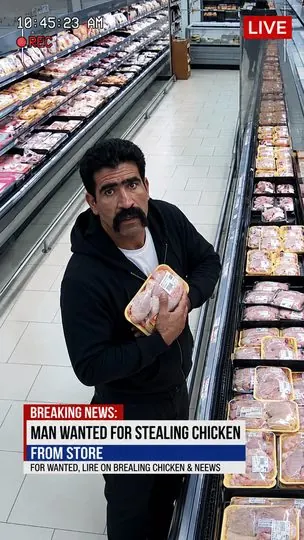
Fake CCTV Footage Prank
Grainy store CCTV catches your friend clutching a pack of raw chicken.
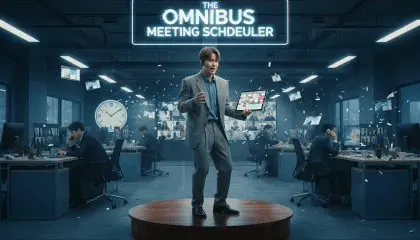
Workplace Persona AI Trend
A neon office sign reveals your coworker's true work persona.
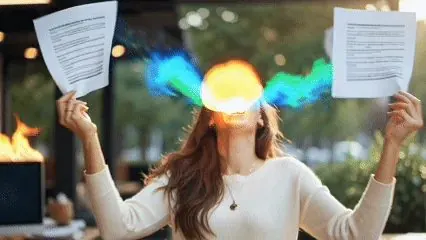
I Quit Prank Video
Your friend screams, the office catches fire, they walk out.
AI PUBG Dance Video
Your photo breaks into a winner-style victory dance.

AI Pole Dance Split
A stage-lit pole split with dollar bills floating down.
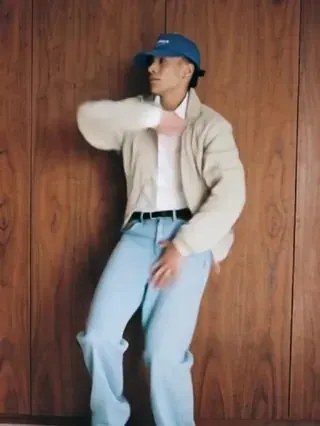
AI Siren Dance Video
One photo, one high-energy dance your friends will replay.
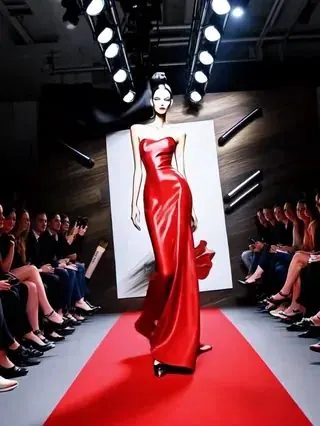
AI Runway Walk Video
Turn a photo into a red runway walk with the front row watching.
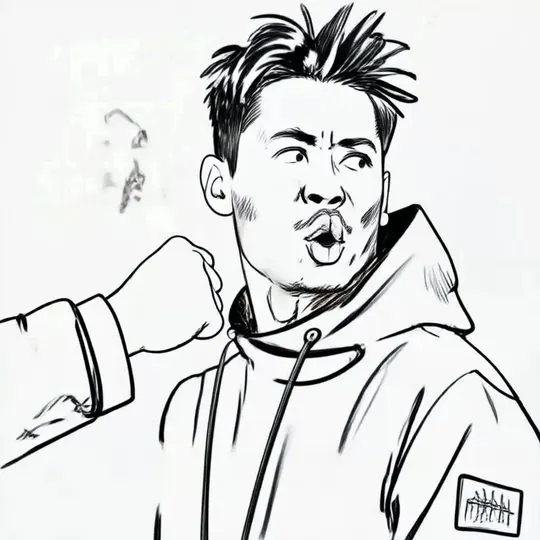
AI Fight Video: Punch Meme
A fist flies in from off-screen. Your friend's face says it all.
Popular in other packs
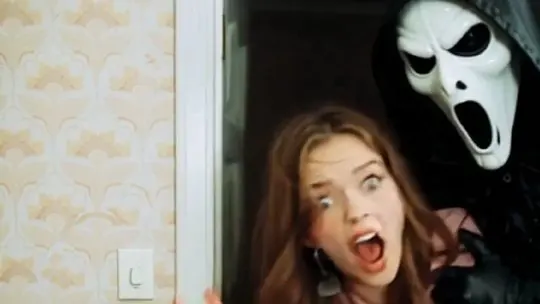
Ghostface AI Trend
A masked figure sneaks up behind you, horror-movie style.
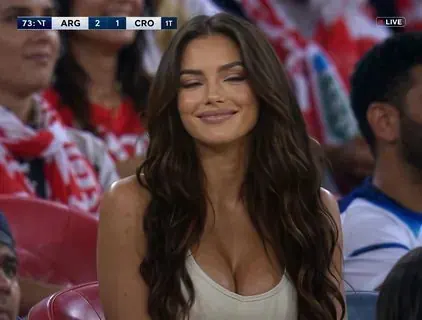
Caught on Stadium Camera
Become the fan the TV broadcast can't stop cutting to.
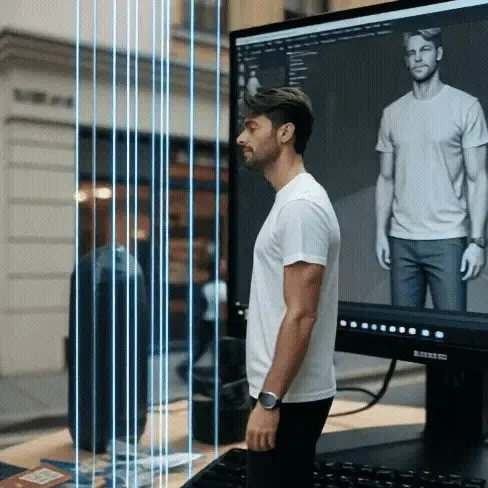
AI Figurine Trend
Scanned and 3D-modeled into a desk figurine, retail box included.
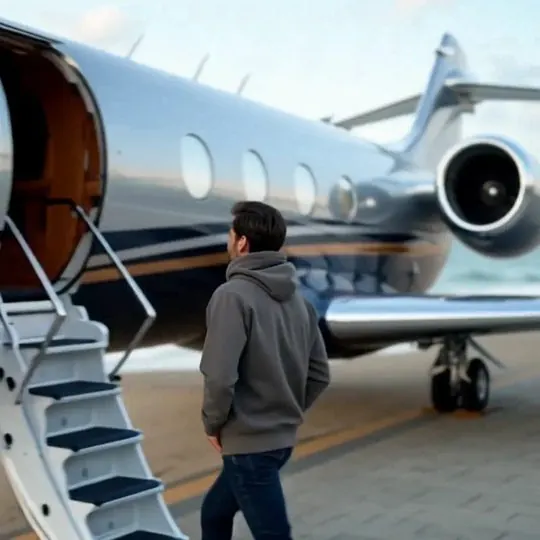
AI Private Jet Video
Walk up the airstair of your own private jet. From one photo.