
Preview of the Transfer Poster template in the AI Prank app
AI Transfer Announcement Video: From Selfie to New Signing
This AI transfer announcement video turns a casual selfie into a dramatic matchday poster shot. The Transfer Poster template puts you in kit on a floodlit pitch, ready for your big new-signing reveal.
 App Store · coming soon
Template name in the app: Transfer Poster · One photo · Ready in about a minute
What the AI Transfer Announcement video looks like
The preview starts on a casual, slightly blurry selfie and then switches to glossy matchday-poster visuals. A player in a red-and-black kit strikes a ball on a floodlit pitch, kicking up turf. A whole squad in red kits poses together like a season poster, and a final shot shows cats in red-and-black kits chasing the ball. Bold, cinematic and very announcement-ready.
How to make it
- Open AI Prank and pick Transfer Poster from the Stadium & Football pack.
- Add a selfie or any clear photo from your camera roll.
- Tap generate and wait about a minute for your poster-style clip.
- Post it in the group chat with your best "official new signing" caption.
Prank ideas
- Turn your friend's selfie into a poster and post it in the group chat: "The club just announced its new signing."
- Send your own with "Medical done, contract signed" and see who asks which club.
- Make one for your whole five-a-side team and pin it as the squad's season poster.
Frequently asked questions
How do I make a fake transfer announcement?
Use the Transfer Poster template in AI Prank: add a selfie and the AI turns it into a poster-style football clip you can caption as a new signing. Keep it among friends and reveal it's AI.
Can I use a casual selfie?
Yes. The preview itself starts from a casual selfie. Any clear photo where the face is visible works.
Guides
More Stadium & Football pranks
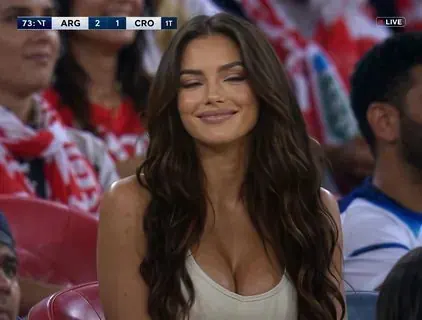
Caught on Stadium Camera
Become the fan the TV broadcast can't stop cutting to.

AI Concert Cam
Show up on the concert big screen, waving at the whole arena.

Caught Eating on Camera
A giant pizza slice, a live broadcast and zero shame.
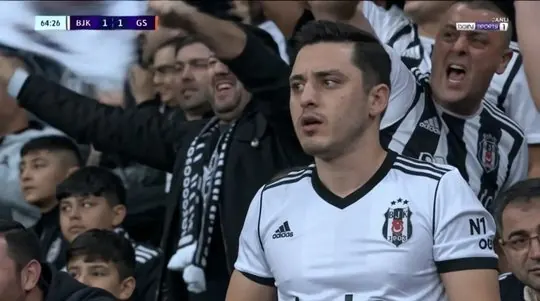
Beşiktaş Fan AI Video
Put a friend in the black-and-white stands on a live broadcast.
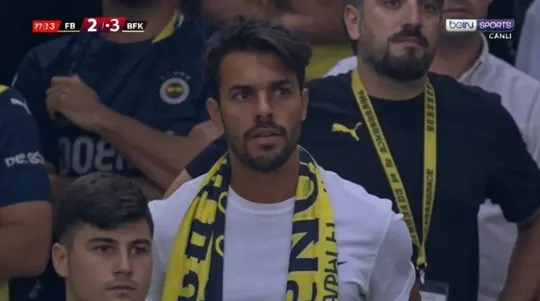
Fenerbahçe Fan AI Video
You, a yellow-and-navy scarf and a nervy late-game stare.
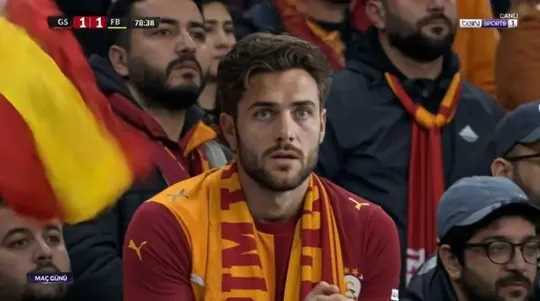
Galatasaray Fan AI Video
Red-and-yellow scarf, 1–1 on the board, hands clasped. Pure nerves.

AI Trophy Lift
From business suit to champion on your teammates' shoulders.
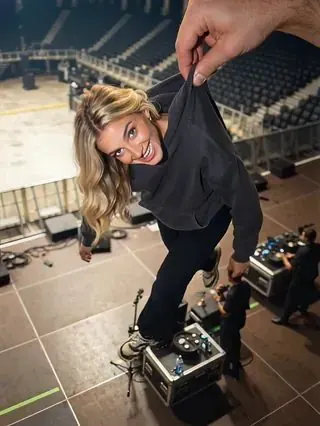
Giant Hand AI Trend
A giant hand plucks you up and dangles you over an empty arena.
Popular in other packs
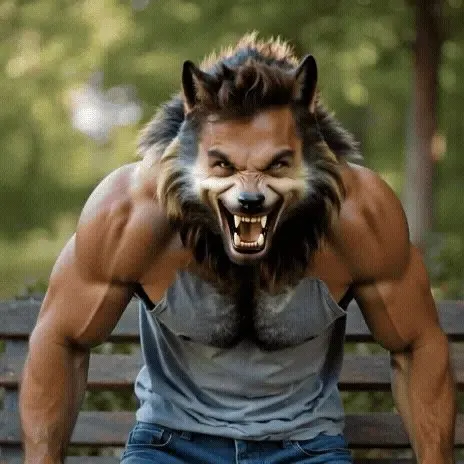
AI Werewolf Transformation
Calm on a park bench, then fur, fangs and a werewolf snarl.
AI Fight Video: Punch Meme
A fist flies in from off-screen. Your friend's face says it all.

AI Bald Filter Video
A monkey swipes your friend's hair off. Their face says it all.
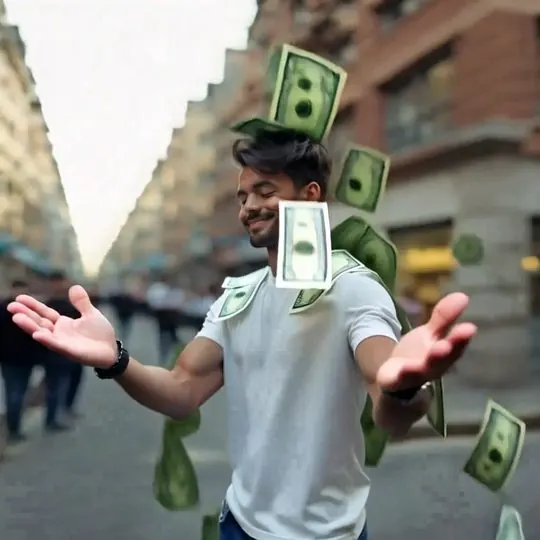
AI Money Rain Video
A tornado of cash swirls around you. Rich for 5 seconds.